Parallel Coordinate Chart
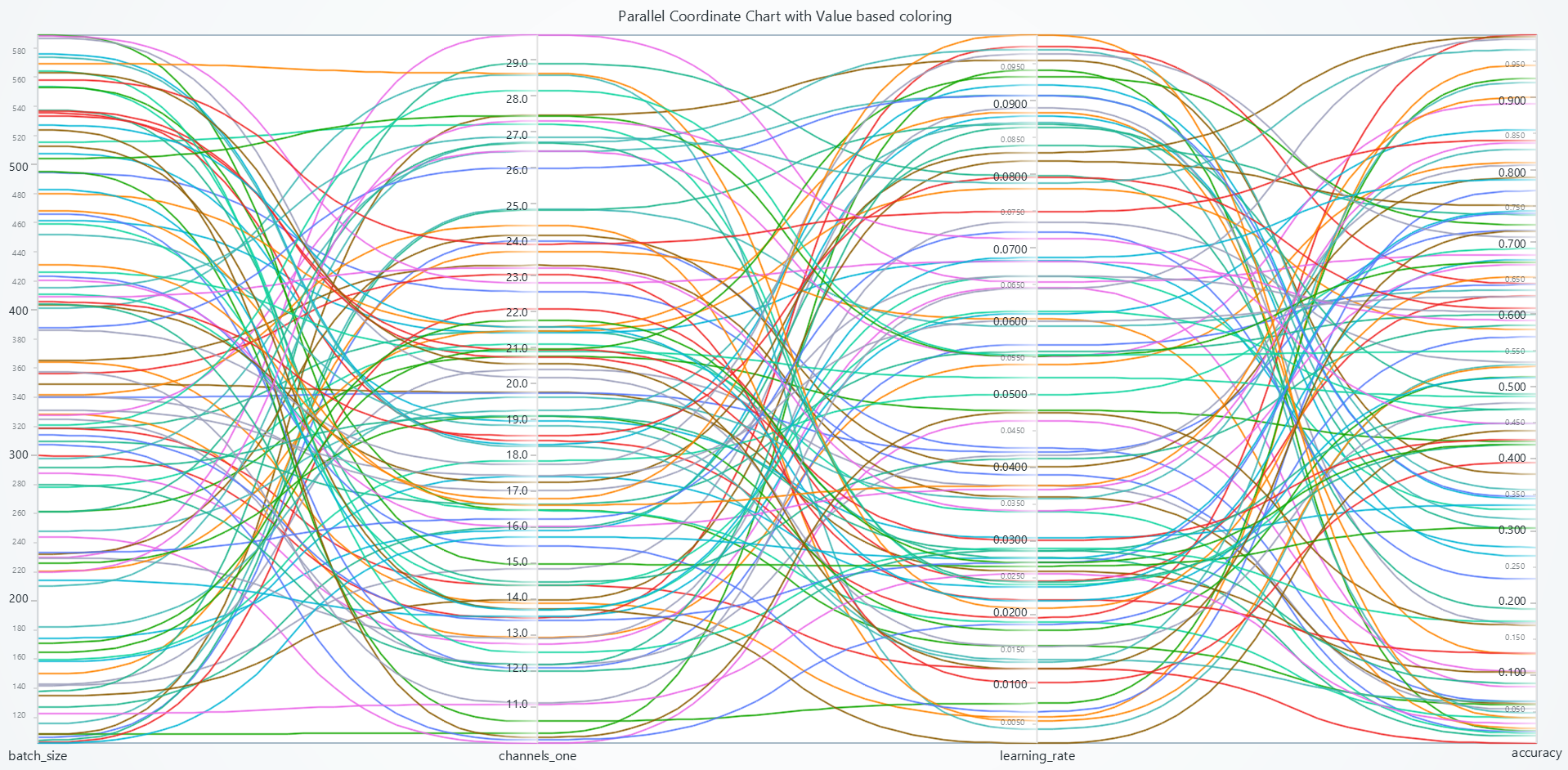
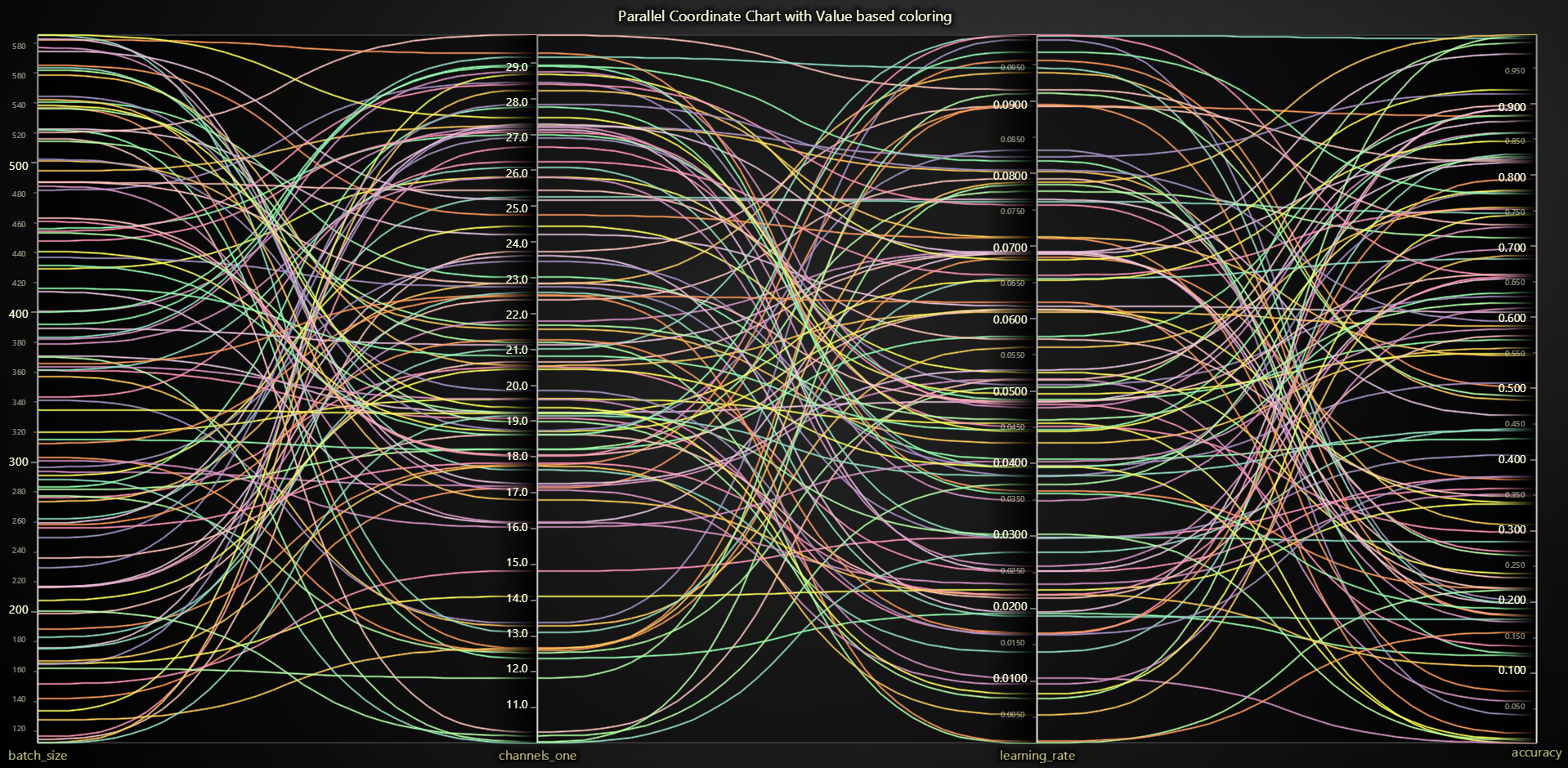
import lightningchart as lc
import random

# Set your license key here
lc.set_license('my-license-key')

# Initialize the chart
chart = lc.ParallelCoordinateChart(
    theme=lc.Themes.Light,
    title="Parallel Coordinate Chart with Value based coloring"
)

# Set axes and title
chart.set_axes(['batch_size', 'channels_one', 'learning_rate', 'accuracy'])

# Generating data and add them to series
for _ in range(100):
    data = {
        'batch_size': random.uniform(100, 600),
        'channels_one': random.uniform(10, 30),
        'learning_rate': random.uniform(0.001, 0.1),
        'accuracy': random.uniform(0, 1)
    }
    series = chart.add_series()
    series.set_data(data)

# Open the chart
chart.open()
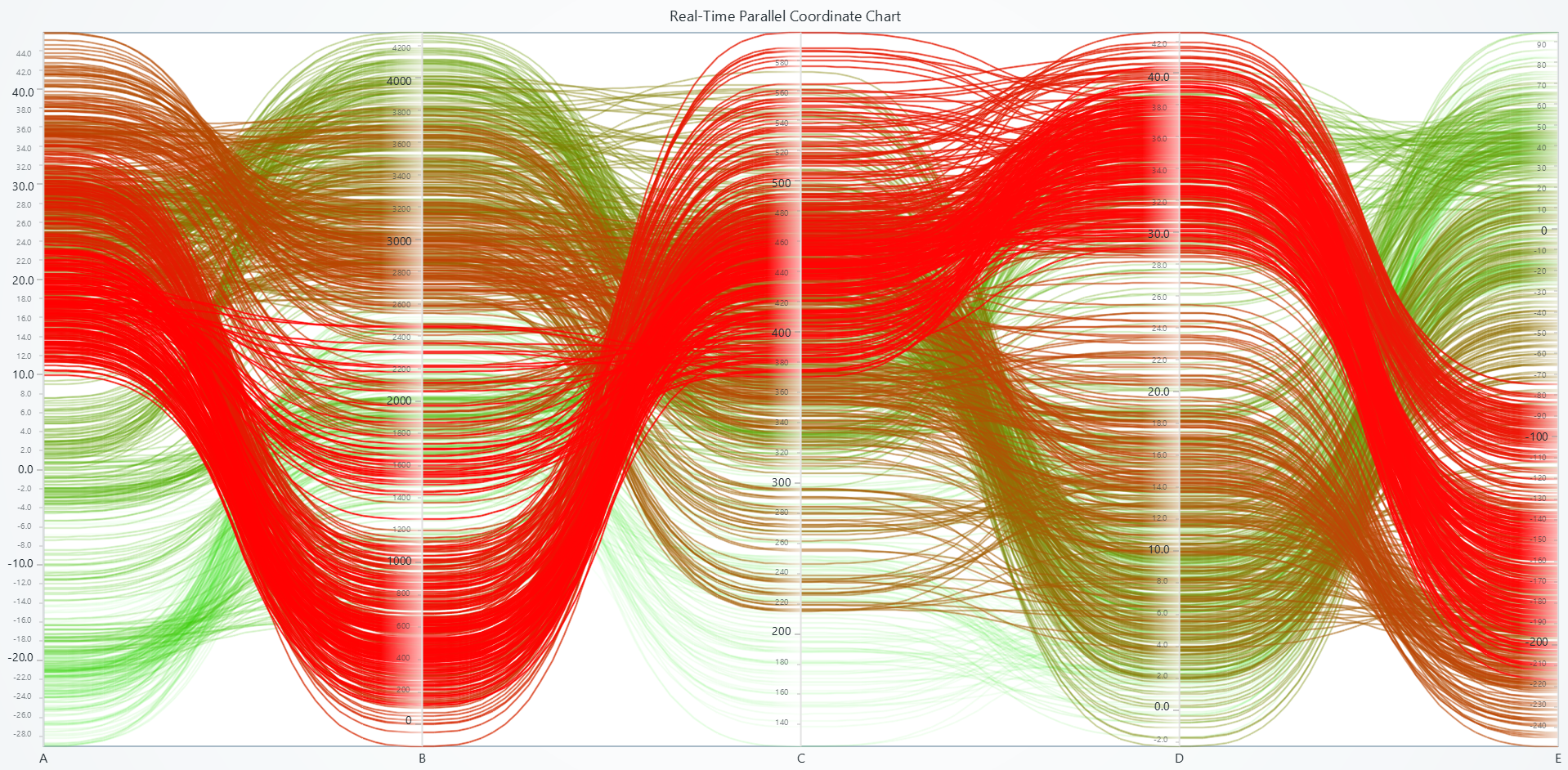
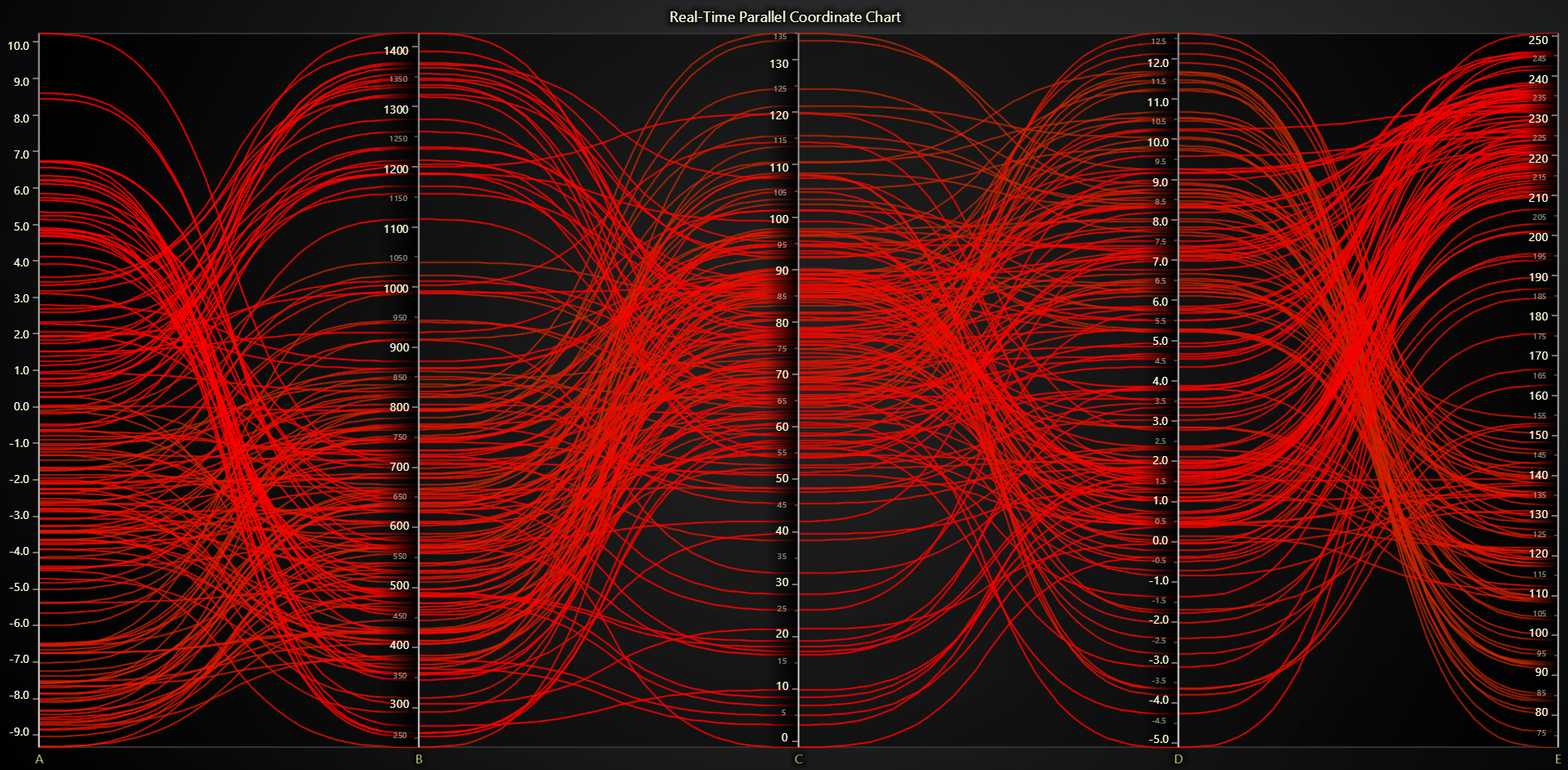
import lightningchart as lc
from time import time, sleep
from random import random
import threading

# Set your license key here
lc.set_license('my-license-key')

# Initialize a real-time parallel coordinate chart
chart = lc.ParallelCoordinateChart(
    theme=lc.Themes.Light,
    title="Real-Time Parallel Coordinate Chart"
)

# Set the title of the chart
chart.set_title("Real-Time Parallel Coordinate Chart")

# Define the axes for the chart
chart.set_axes(['Time', 'A', 'B', 'C', 'D', 'E'])

# Enable spline interpolation for smoother transitions between data points
chart.set_spline(True)

# Configure axes to fit dynamically as new data is added
for axis_key in ['Time', 'A', 'B', 'C', 'D', 'E']:
    chart.get_axis(axis_key).set_scroll_strategy("fitting")

# Hide the "Time" axis for cleaner visualization
chart.get_axis("Time").set_visible(False)

# Generate random data
def random_data_generator(start, multiplier):
    previous = start

    def generate():
        nonlocal previous
        y = previous + (random() * 2 - 1) * multiplier
        previous = y
        return y

    return generate

# Initialize random data generators for each variable
Y0 = random_data_generator(0, 2)
Y1 = random_data_generator(1000, 200)
Y2 = random_data_generator(100, 20)
Y3 = random_data_generator(10, 2)
Y4 = random_data_generator(80, 10)

# Track the last time data cleaning was performed
t_last_cleanup = time() - 10

# Function to generate gradient steps for color mapping based on time
def generate_gradient_steps(start_time, end_time, steps_count=10):
    gradient_steps = []
    for i in range(steps_count):
        ratio = i / (steps_count - 1)
        color = (
            int(255 * ratio),  # Red by increasing ratio
            int(255 * (1 - ratio)),  # Green by decreasing ratio
            0,
            int(255 * ratio)
        )
        step_value = start_time + (end_time - start_time) * ratio
        gradient_steps.append({'value': step_value, 'color': color})
    return gradient_steps

# Function to continuously update the chart with new data
def update_chart():
    global t_last_cleanup
    while True:
        t_now = time() * 1000
        y0 = Y0()
        y1 = Y1()
        y2 = Y2()
        y3 = Y3()
        y4 = Y4()

        # Add a new series (data point) to the char
        series = chart.add_series()
        series.set_data({
            'Time': t_now,
            'A': y0,
            'B': y1,
            'C': y2,
            'D': y3,
            'E': y4,
        })

        # Cleaning data every 5 seconds
        if (t_now - t_last_cleanup) >= 5000:
            # Remove series which are older than 1 minute
            for s in chart.get_series():
                data = s.get_data()
                timestamp = data.get('Time') if data else None
                if timestamp and (t_now - timestamp) >= 60000:
                    s.dispose()

            # Apply colors
            gradient_steps = generate_gradient_steps(t_now - 60000, t_now)
            chart.set_lut(
                axis_key="Time",
                interpolate=True,
                steps=gradient_steps
            )
            t_last_cleanup = t_now

         # Wait briefly before adding the next data point
        sleep(0.05)

# Start a separate thread to update the chart in real-time
thread = threading.Thread(target=update_chart)
thread.daemon = True
thread.start()

# Open the chart in live mode
chart.open(live=True)