Reading data from csv
Trading data can be added to Technical Analysis Chart via code or by reading it from a csv-file. The data itself can be of any source as long as it is given in correct formats. The data source is up to the user to define, as LightningChart does not offer any build-in data providers.
This section explains how to add data to the chart using csv-files. See Adding data in code to assign data to the chart in code.
Csv-file format
The given csv-file should contain at least Date, Open, Close, High and Low fields (headers). Volume and Open Interest fields are optional. The Date value can be given in any datetime string format as long as it can be parsed by Date.parse() method (Trader does the parsing internally).
Example of a proper csv-file:
Date,Open,Close,High,Low,Volume
2018-09-18,185.00,186.00,190.00,185.00,918
2018-09-19,187.60,185.20,188.00,185.20,702
2018-09-20,190.00,187.80,190.00,186.40,190
2018-09-21,188.20,186.20,188.40,186.20,234
2018-09-24,186.20,186.60,189.80,183.60,589
2018-09-25,187.40,188.40,188.60,186.80,375
2018-09-26,189.00,190.80,190.80,188.80,822
2018-09-27,190.00,193.40,193.60,184.00,430
2018-09-28,193.20,194.20,194.20,192.80,616
Note that reading trading data from csv-file replaces any existing data. Furthermore, the selected time range determines which data points from the file are shown on the chart.
Adding csv data via user interface
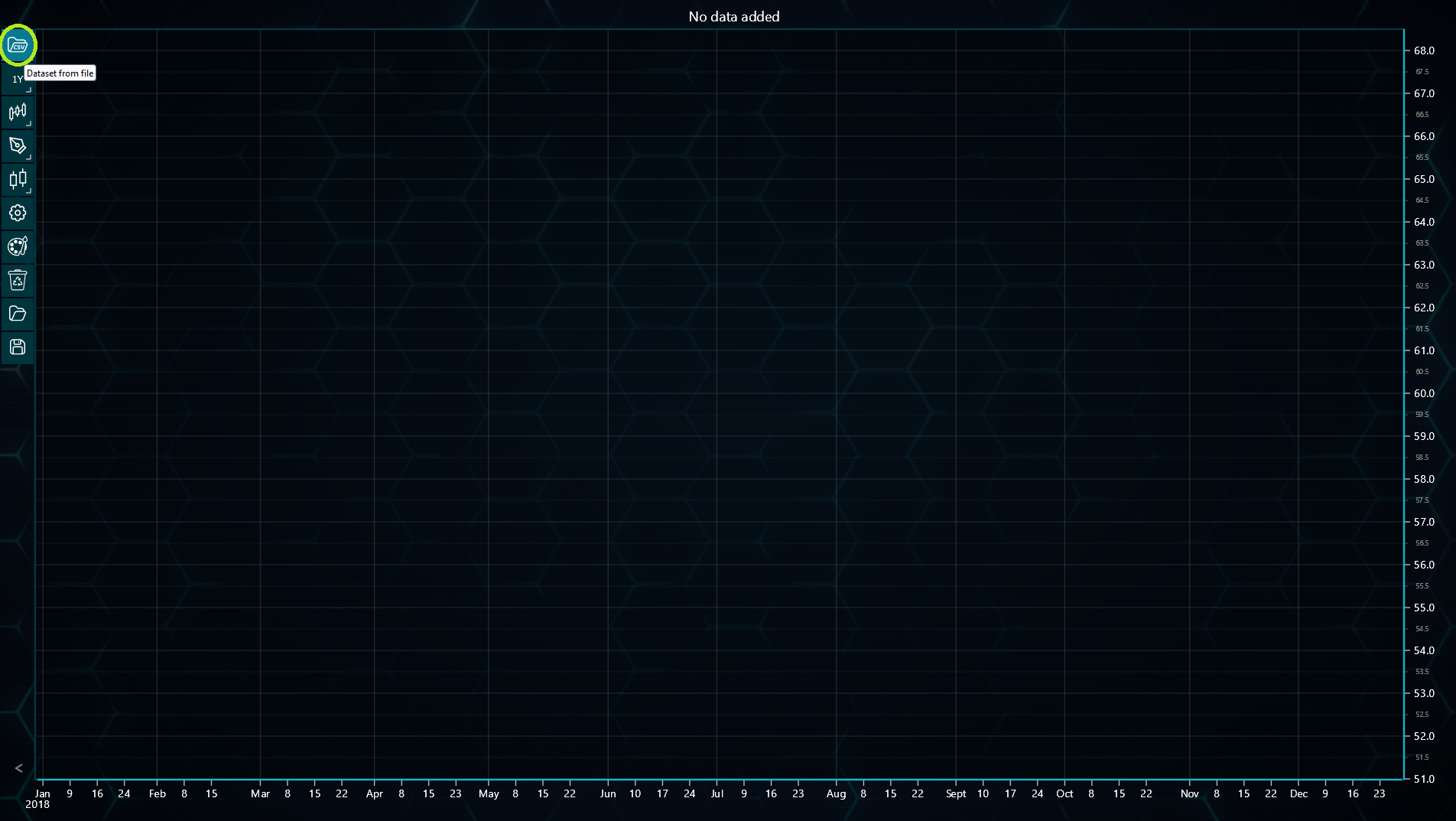
The chart's user interface includes Dataset from file button in the left toolbar. Clicking this opens file explorer, allowing browsing csv-files.
Adding csv data in code
Trading data read from csv-files can be added to the chart in code by calling chart.loadCsvString() method. This method expects the contents of a csv-file as a string,
read for instance via fetch() method. A new dataset name can also be given, which is then shown as the title of the price chart.
await fetch(`${document.head.baseURI}filePath/YourCsvFile.csv`).then((res) => res.text()).then((text) => {
    tradingChart.loadCsvString(text, 'YourDatasetName')
})
The chart.loadCsvString() method also allows defining the delimiter used in csv-file to separate entries. This is comma by default.
Converting csv data into an array
Technical Analysis Chart provides a method to convert csv string into array. For this, chart.readCsvString() under HelperRoutines class can be used. The method takes a string and converts it into an array containing separate arrays for Date strings, Open values, High values, Low values, Close values, and optional Volume and Open Interest values. This method is helpful when the data is needed later in code or should be modified somehow.
const _helperRoutines: HelperRoutines = new HelperRoutines()
const data = _helperRoutines.readCsvString(csvString)