Templates
Templates allow saving the chart layout to a json based text file (.txt format), which then later can be loaded to the chart.
The following information is saved to a template:
-Chart settings such as chart type and cursor settings
-Color settings
-Added technical indicators and their individual settings
-Added drawing tools and their individual settings
Template excludes:
-Added trading data (templates cannot be used to extract trading data from the chart)
-Heatmaps
Local storage
By default, Technical Analysis Chart saves all the same information that is saved to a template to local storage, when the chart is closed due to for example page reload or window closing. Whenever a chart instance is opened again, the chart checks the local storage for settings from previous sessions and loads them.
This feature can be disabled during chart creation by setting loadFromStorage parameter false. This prevents both saving to and loading from the local storage.
const tradingChart = ta.tradingChart({loadFromStorage: false})
Saving chart as a template
Chart can be saved as a template by clicking the Save as template button found in the toolbar to the left of the chart. This opens a small dialogue allowing you to give a name to the template.
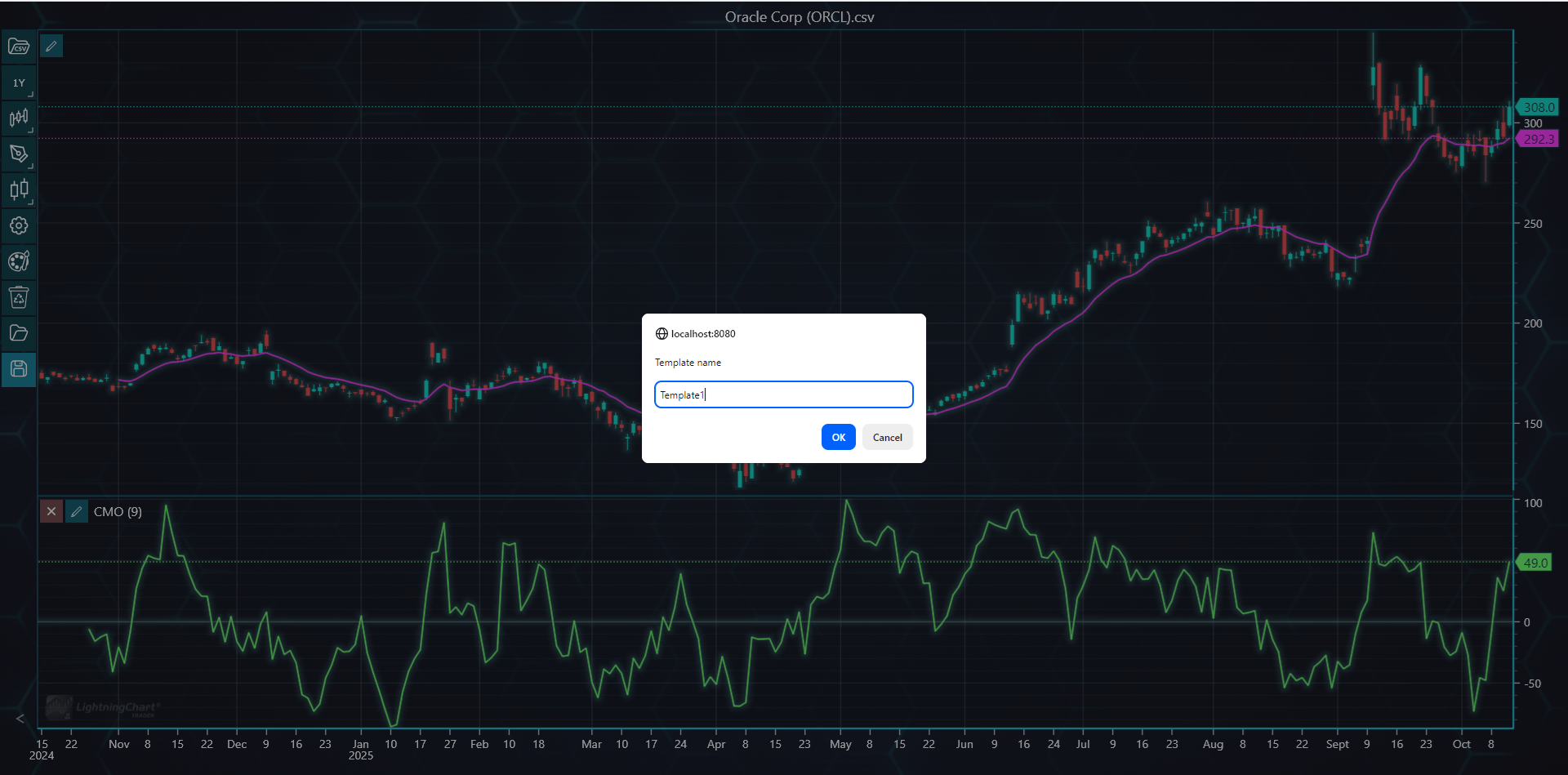
Alternatively, you can save the layout as a template in code by calling saveAsTemplate() method.
tradingChart.saveAsTemplate('templateName')
Loading templates
Chart templates are mainly loaded via the user interface. Clicking the Load template button in the toolbar opens a File Upload window allowing you to load any previously saved template file.
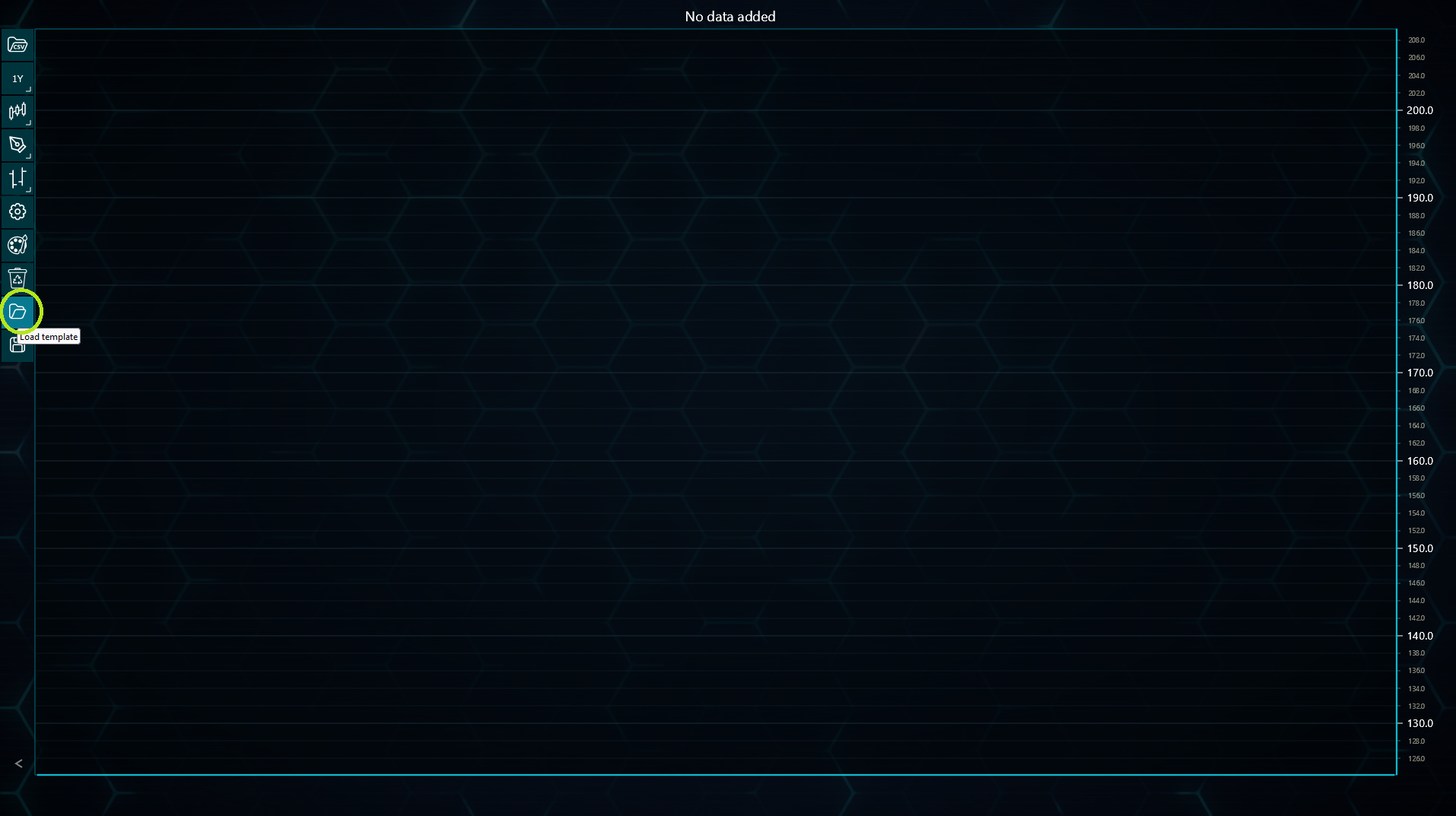
It is also possible to load an existing template in code by calling loadTemplate() method. This again opens the File Upload window allowing you to browse previously saved template files.
tradingChart.loadTemplate()
Saving and loading JSON strings
LightningChart JS Trader allows saving the current chart as a JSON string by calling createSaveString() method in code. The saved string includes all the same information as a template does. Respectively, loadPreviousSettings() method can be used to read this JSON string to load the saved settings to the chart.
// Saving chart settings as a JSON string.
const jsonString = tradingChart.createSaveString()

// Loading previously saved JSON string.
tradingChart.loadPreviousSettings(jsonString)