3D Mesh Model
To see how 3D objects can be loaded from files, see this example.
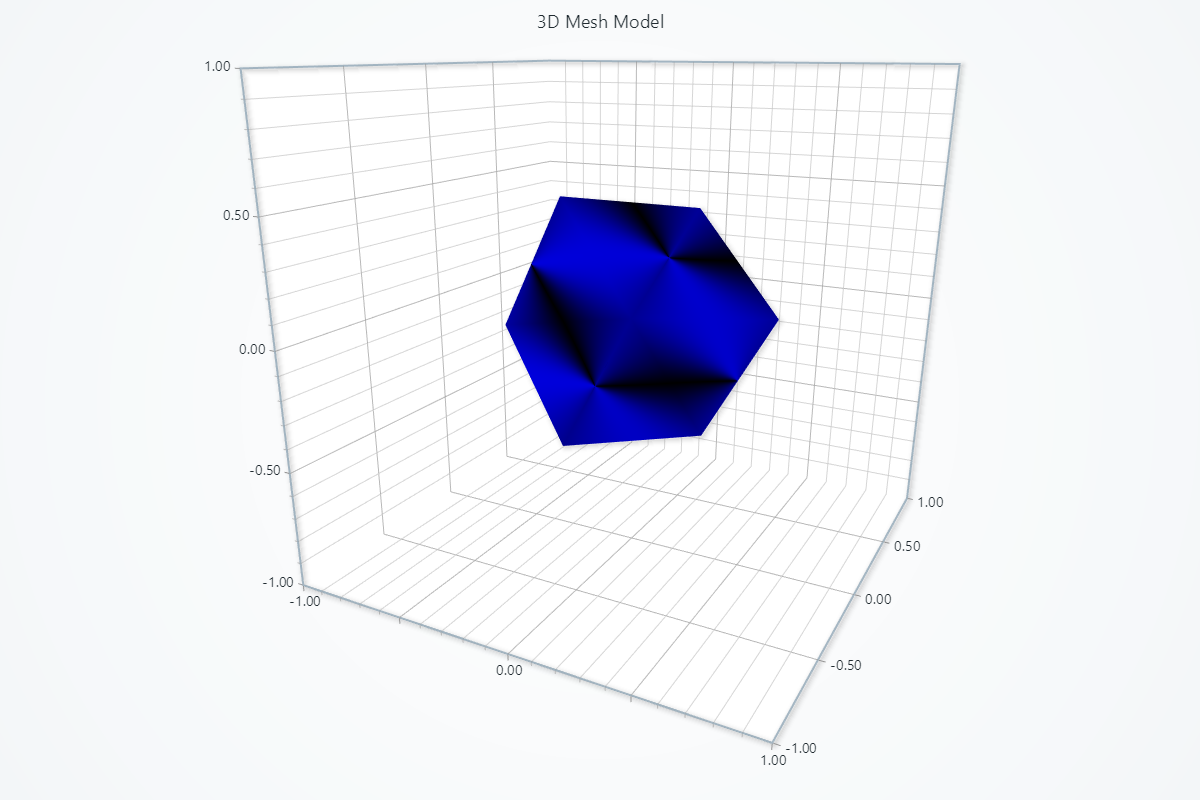
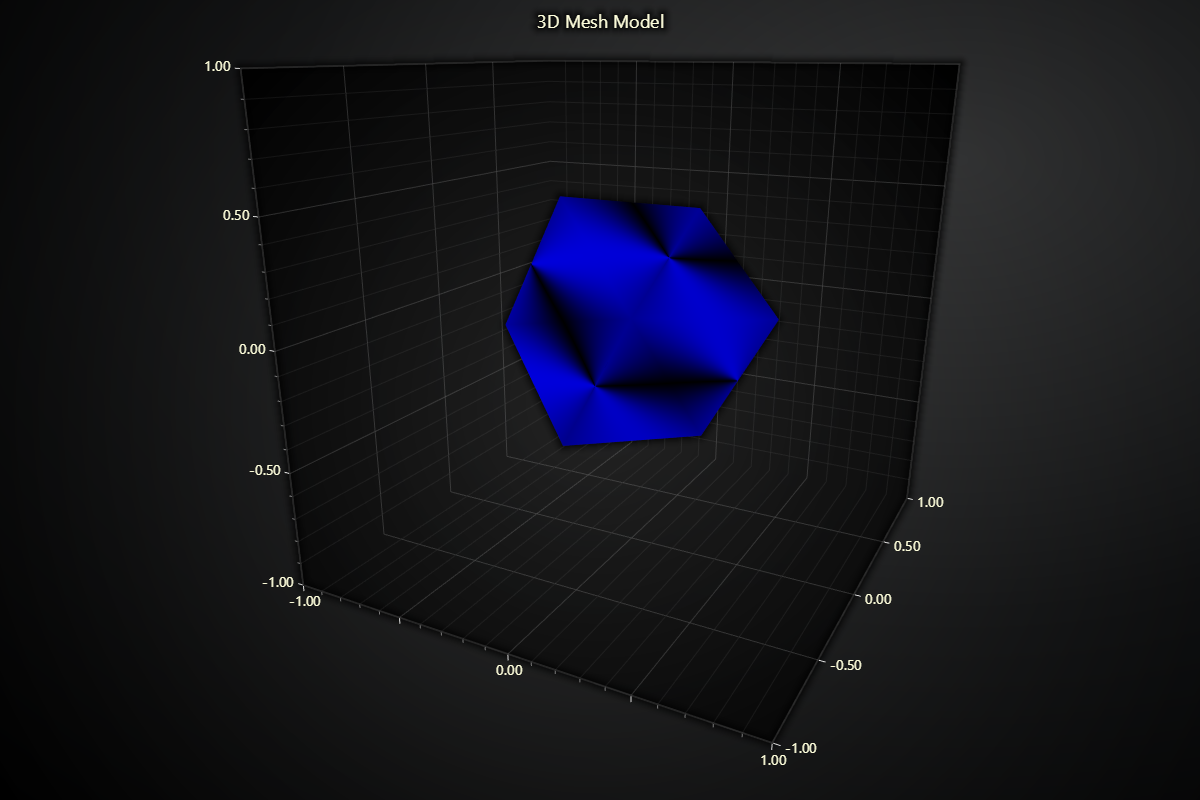
import lightningchart as lc

# Set your license key here
lc.set_license('my-license-key')

# Create the 3D chart
chart = lc.Chart3D(title="3D Cube Model", theme=lc.Themes.Light)

# Define the vertices of a cube (8 points)
vertices = [
    -1, -1, -1,  # Vertex 0
     1, -1, -1,  # Vertex 1
     1,  1, -1,  # Vertex 2
    -1,  1, -1,  # Vertex 3
    -1, -1,  1,  # Vertex 4
     1, -1,  1,  # Vertex 5
     1,  1,  1,  # Vertex 6
    -1,  1,  1,  # Vertex 7
]

# Define the indices of the triangles that make up the cube faces
indices = [
    0, 1, 2, 2, 3, 0,  # Front face
    4, 5, 6, 6, 7, 4,  # Back face
    0, 4, 7, 7, 3, 0,  # Left face
    1, 5, 6, 6, 2, 1,  # Right face
    3, 2, 6, 6, 7, 3,  # Top face
    0, 1, 5, 5, 4, 0   # Bottom face
]

# Set up normals for basic lighting, just pointing outward from each face
normals = [
    0.0, 0.0, -1.0,  # Normal for front face
    0.0, 0.0, 1.0,   # Normal for back face
    -1.0, 0.0, 0.0,  # Normal for left face
    1.0, 0.0, 0.0,   # Normal for right face
    0.0, 1.0, 0.0,   # Normal for top face
    0.0, -1.0, 0.0   # Normal for bottom face
] * 4  # Repeat normals for each vertex per face

# Add the mesh model to the chart
mesh_model = chart.add_mesh_model()
mesh_model.set_model_geometry(vertices=vertices, indices=indices, normals=normals)

mesh_model.set_scale(0.1)  # Uniform scaling of the cube
mesh_model.set_model_location(0, 0, 0)
mesh_model.set_model_rotation(45, 45, 45)
mesh_model.set_color('blue')

chart.open()
3D mesh model from file
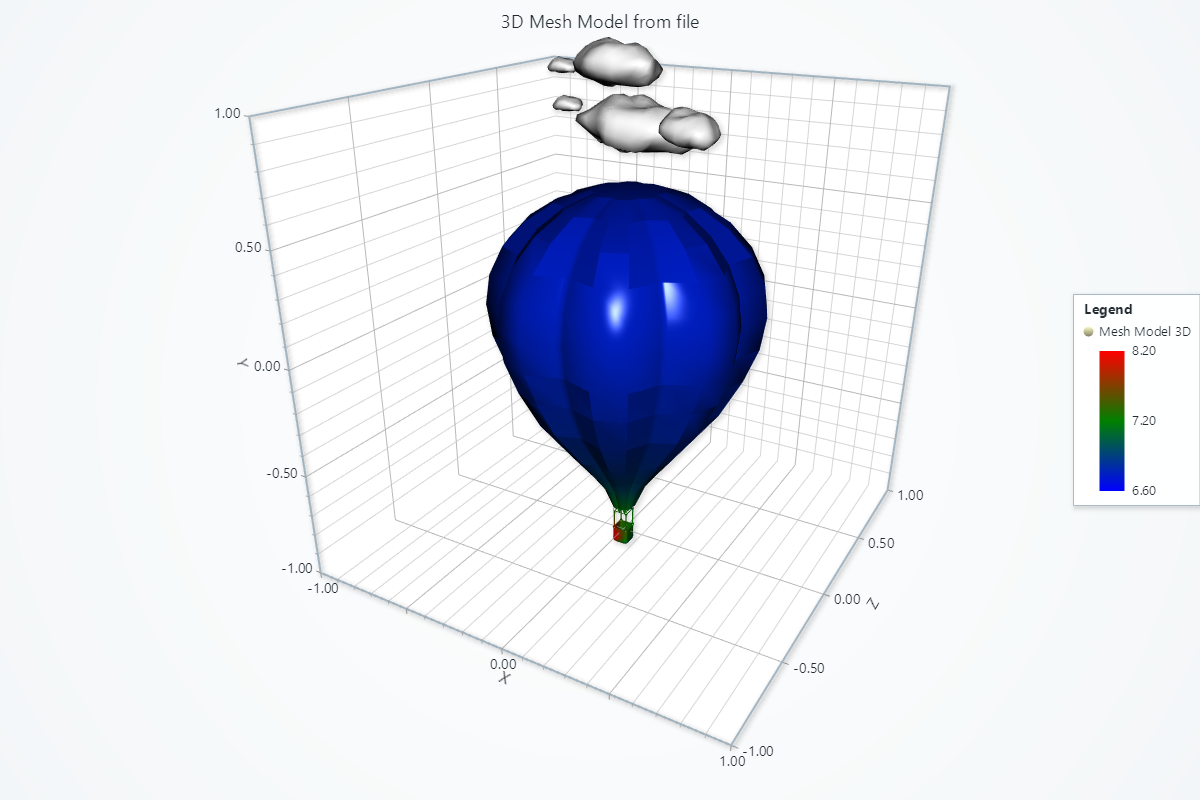
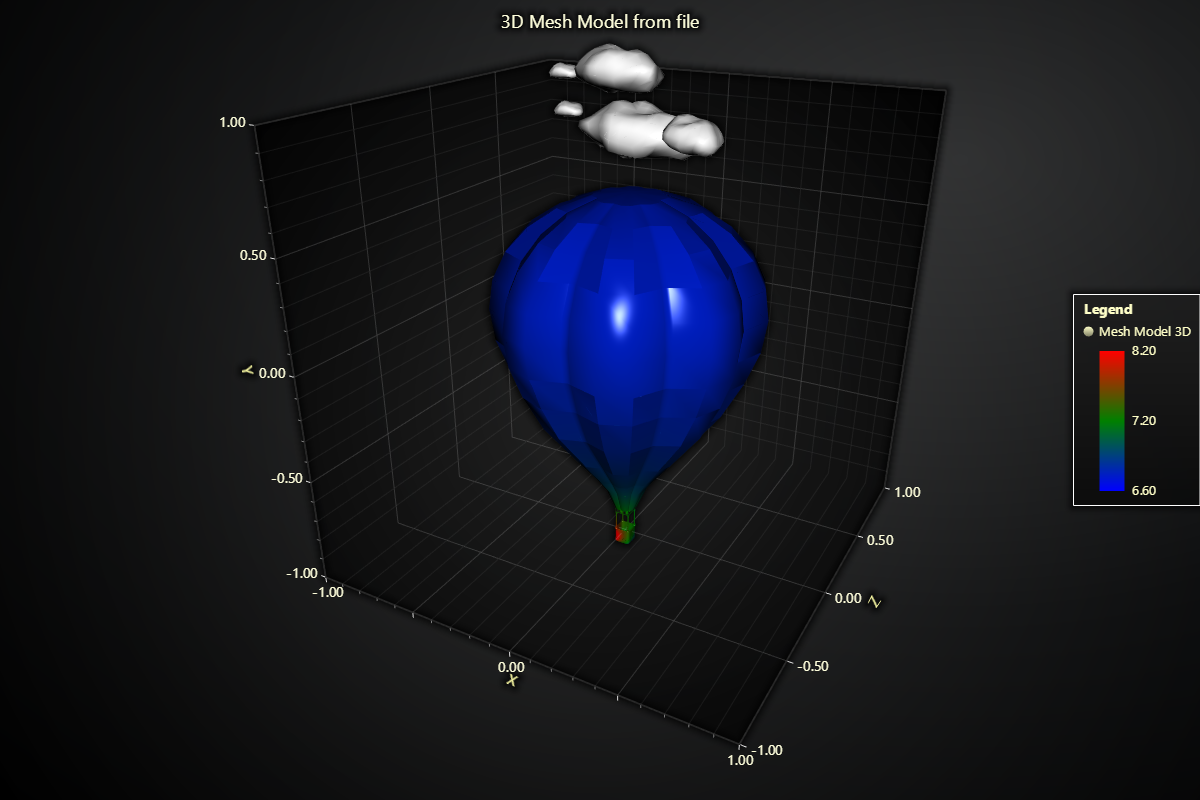
import lightningchart as lc
import numpy as np
import trimesh

lc.set_license('my-license-key')

# Create the 3D Chart
chart = lc.Chart3D(title="3D Hot Air Balloon with Cloud", theme=lc.Themes.Light)

# Add the mesh model to the chart
balloon_model = chart.add_mesh_model()

# Load the obj file
balloon_obj_path = 'Path to Balloon.obj'

# Load the scene
balloon_scene = trimesh.load(balloon_obj_path)

# If a scene is returned, merge to a single mesh:
if isinstance(balloon_scene, trimesh.Scene):
    balloon_mesh = balloon_scene.dump(concatenate=True)
else:
    balloon_mesh = balloon_scene

# Get the vertices, indices, and normals and set them to the model
balloon_vertices = balloon_mesh.vertices.flatten().tolist()
balloon_indices = balloon_mesh.faces.flatten().tolist()
balloon_normals = balloon_mesh.vertex_normals.flatten().tolist()
balloon_model.set_model_geometry(vertices=balloon_vertices, indices=balloon_indices, normals=balloon_normals)

# Set scale and location
balloon_model.set_scale(0.015)
balloon_model.set_model_location(0,-0.2,0)
balloon_model.set_model_rotation(0, 0, 0)

# Set shading style
balloon_model.set_color_shading_style(
    phong_shading=True,
    specular_reflection=0.8,
    specular_color=(255, 255, 255)
)

# Set color palette
balloon_model.set_palette_coloring(
    steps=[
        {'value': 6.6, 'color': 'blue'},  # Blue
        {'value': 7.2, 'color': 'green'},  # Green
        {'value': 8.2, 'color': 'red'},  # Red
    ],
    look_up_property='value',
    interpolate=True
)

# Set sensor values to look up the color
sensors = [
    {'x': -0.8, 'y': 1, 'z': 0.8, 'value': 10},
    {'x': -0.8, 'y': 0, 'z': 0.8, 'value': 7},
    {'x': -0.8, 'y': -1, 'z': 0.8, 'value': 3},
]

# Calculate the distance between two points
def calculate_distance(x1, y1, z1, x2, y2, z2):
    return np.sqrt((x2 - x1)**2 + (y2 - y1)**2 + (z2 - z1)**2)

# Generate vertex values
def generate_vertex_values():
    vertex_values = []
    for i in range(0, len(balloon_vertices), 3):
        x = balloon_vertices[i]
        y = balloon_vertices[i + 1]
        z = balloon_vertices[i + 2]

        value_sum = 0
        weight_sum = 0
        for sensor in sensors:
            dist = calculate_distance(x, y, z, sensor['x'], sensor['y'], sensor['z'])
            weight = 1 / (dist + 0.01)
            value_sum += sensor['value'] * weight
            weight_sum += weight

        vertex_value = value_sum / weight_sum
        vertex_values.append(vertex_value)
    return vertex_values

# Set vertex values
balloon_model.set_vertex_values_from_array(generate_vertex_values())

# ---------(Cloud) -----------------

# Add the mesh model to the chart
cloud_model = chart.add_mesh_model()

# Load the obg file
cloud_obj_path = 'Path to Cloud.obj'

# Load the scene
cloud_scene = trimesh.load(cloud_obj_path)

# check if the scene is a scene
if isinstance(cloud_scene, trimesh.Scene):
    cloud_mesh = cloud_scene.dump(concatenate=True)
else:
    cloud_mesh = cloud_scene

# Get the vertices, indices, and normals and set them to the model
cloud_vertices = cloud_mesh.vertices.flatten().tolist()
cloud_indices = cloud_mesh.faces.flatten().tolist()
cloud_normals = cloud_mesh.vertex_normals.flatten().tolist()
cloud_model.set_model_geometry(vertices=cloud_vertices, indices=cloud_indices, normals=cloud_normals)

# Set scale and location
cloud_model.set_scale(0.000015)
cloud_model.set_model_location(0,1,0)
cloud_model.set_model_rotation(0, 0, 0)

# Set color palette
cloud_model.set_color('white')
# Set axis titles
chart.get_default_x_axis().set_title('X')
chart.get_default_y_axis().set_title('Y')
chart.get_default_z_axis().set_title('Z')

chart.open()