Scrolling Surface
Scrolling 3D Surface
Series for visualizing a 3D Surface Grid inside Chart3D, with API for pushing data in a scrolling manner (append new data on top of existing data).
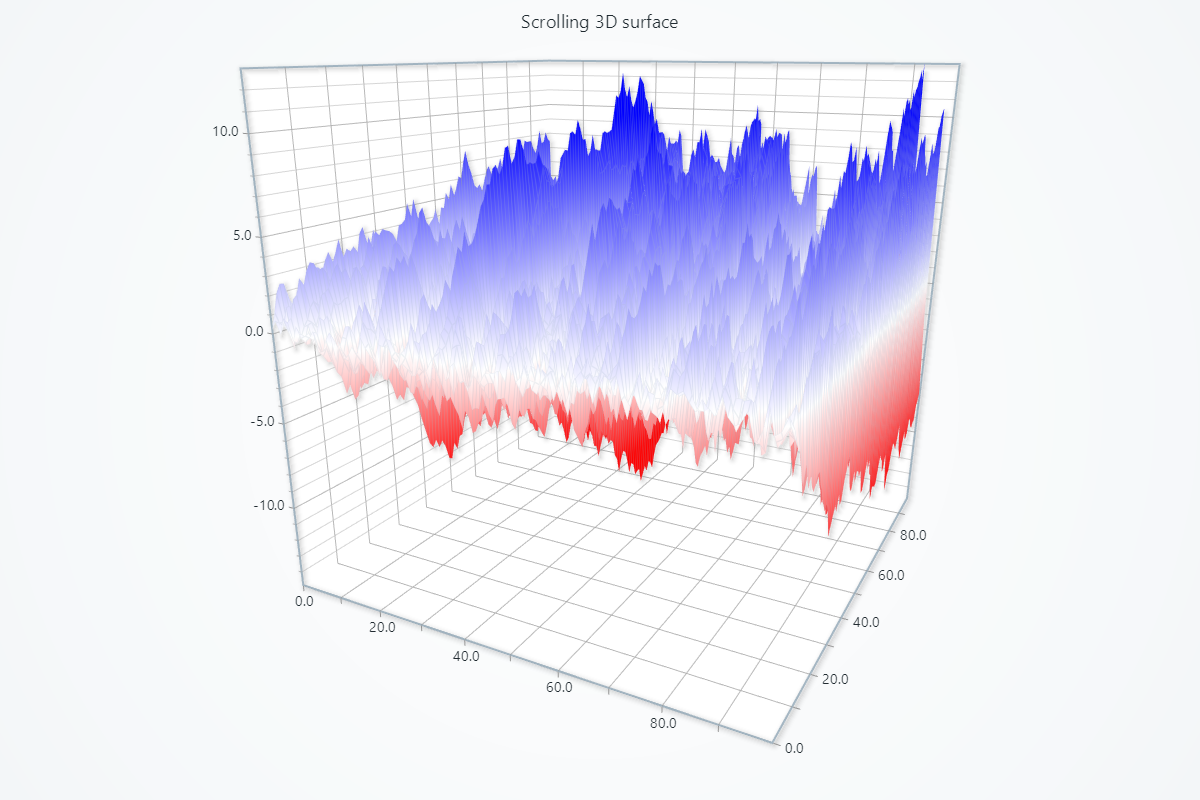
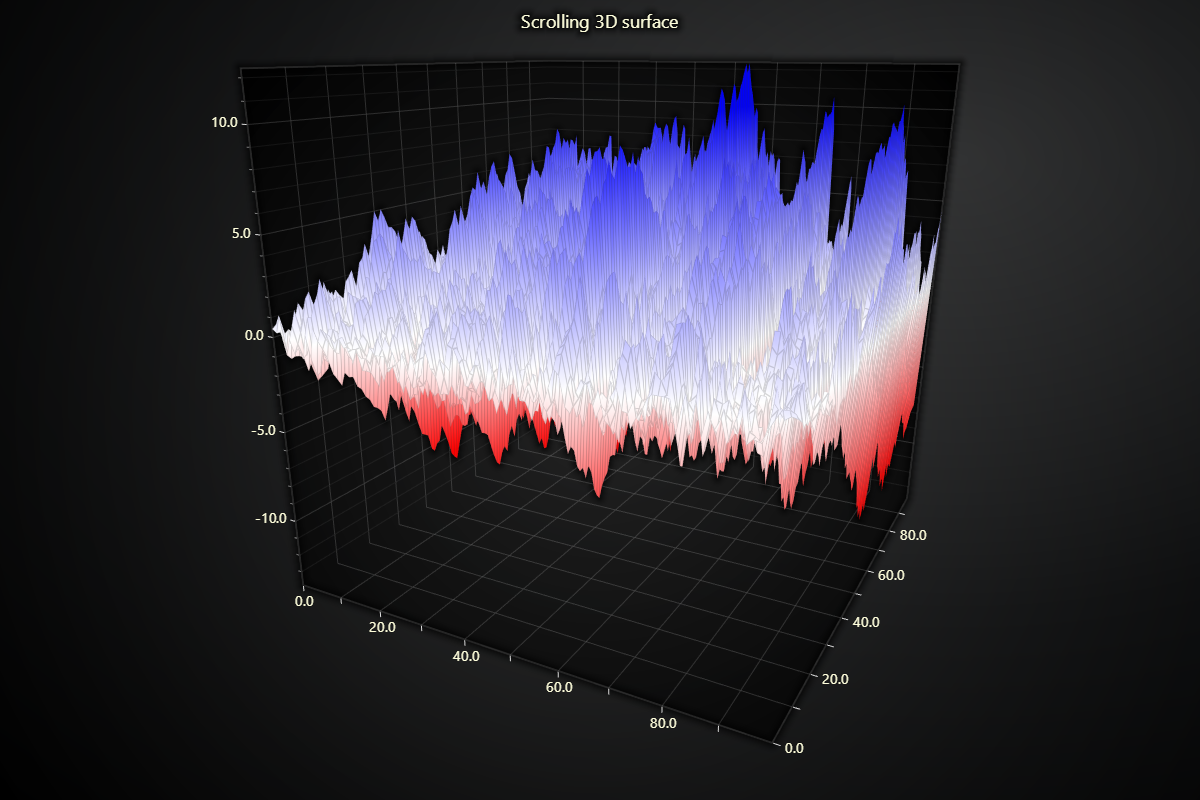
import lightningchart as lc
import random
import time

# Set your license key here
lc.set_license('my-license-key')

# Define the grid size
columns_amount = 100
rows_amount = 100

# Generate initial surface data
surface_data = []
for i in range(rows_amount):
    row = []
    value = 0
    for j in range(columns_amount):
        value += (random.random() * 2) - 1
        row.append(value)
    surface_data.append(row)

# Creating a 3D chart
chart = lc.Chart3D(
    theme=lc.Themes.Dark,
    title='Scrolling 3D surface'
)

# Add a scrolling surface grid series to the chart
series = chart.add_surface_scrolling_grid_series(
    columns=columns_amount,
    rows=rows_amount
)

# Set palette colors
series.set_palette_coloring(
    steps=[
        {'value': 10, 'color': ('blue')},
        {'value': 0, 'color': ('white')},
        {'value': -10, 'color': ('red')},
    ],
    look_up_property='value',
    percentage_values=False
)

# Initialize the series with the generated data
series.add_values(y_values=surface_data, intensity_values=surface_data)

# Open the chart in live mode
chart.open(live=True)

# Add new data to the series every 0.05 seconds
for _ in range(500):
    new_row = []
    for _ in range(columns_amount):
        new_value = (random.random() * 2) - 1
        new_row.append(new_value)
    series.add_values(y_values=[new_row], intensity_values=[new_row])
    time.sleep(0.05)  # Adjust sleep

chart.close()
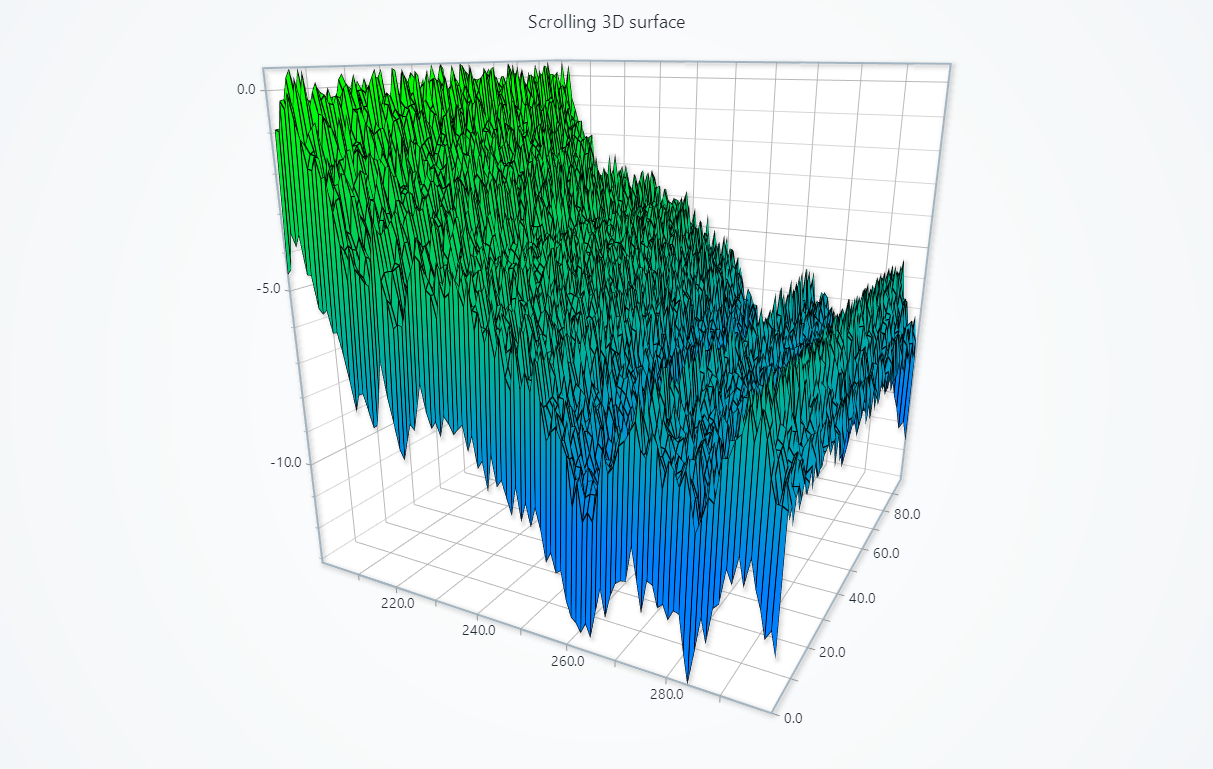
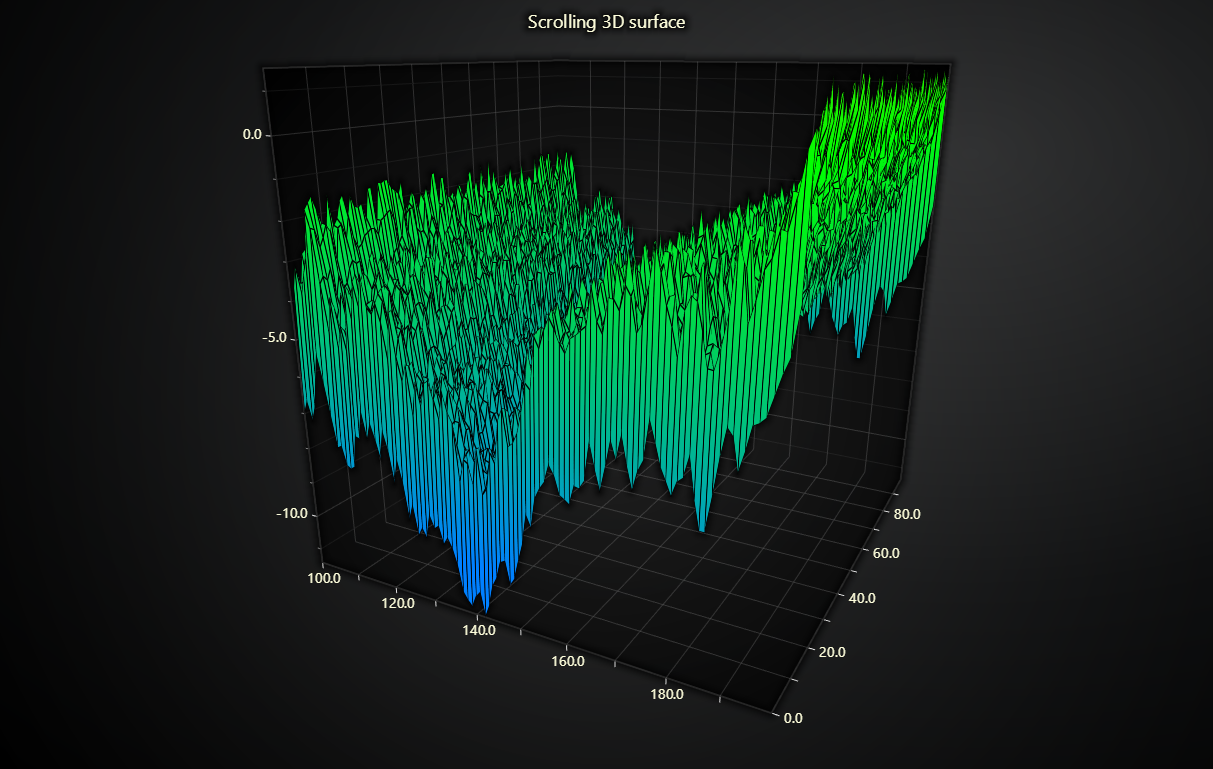
import lightningchart as lc
import random
import time

lc.set_license('my-license-key')

chart = lc.Chart3D(title='Scrolling 3D surface', theme=lc.Themes.Light)

# Configure scrolling axis
axis = chart.get_default_x_axis()
axis.set_scroll_strategy(strategy='scrolling')
axis.set_interval(start=-99, end=0, stop_axis_after=False)

# Configure scrolling surface series
surface = chart.add_surface_scrolling_grid_series(columns=100, rows=100)
surface.set_wireframe_stroke(1, color=(0, 0, 0, 255))

# Configure surface coloring
surface.set_palette_coloring(
    steps=[
        {'value': -10, 'color': (0, 128, 255)},
        {'value': 0, 'color': (0, 255, 0)},
        {'value': 10, 'color': (255, 128, 0)},
    ],
    look_up_property='y',  # Datapoints are colored according to their y value
    percentage_values=False
)

chart.open(live=True)

x = 0
for i in range(1000):  # Generate random real-time data
    x = x + (random.random() * 2) - 1
    datagrid = [[x + random.uniform(0, 1) for j in range(100)]]
    datagrid[0][0] = datagrid[0][-1] = x - 3
    surface.add_values(datagrid)  # Add values to the series
    time.sleep(0.01)

chart.close()