import lightningchart as lc
import numpy as np
lc.set_license('my-license-key')
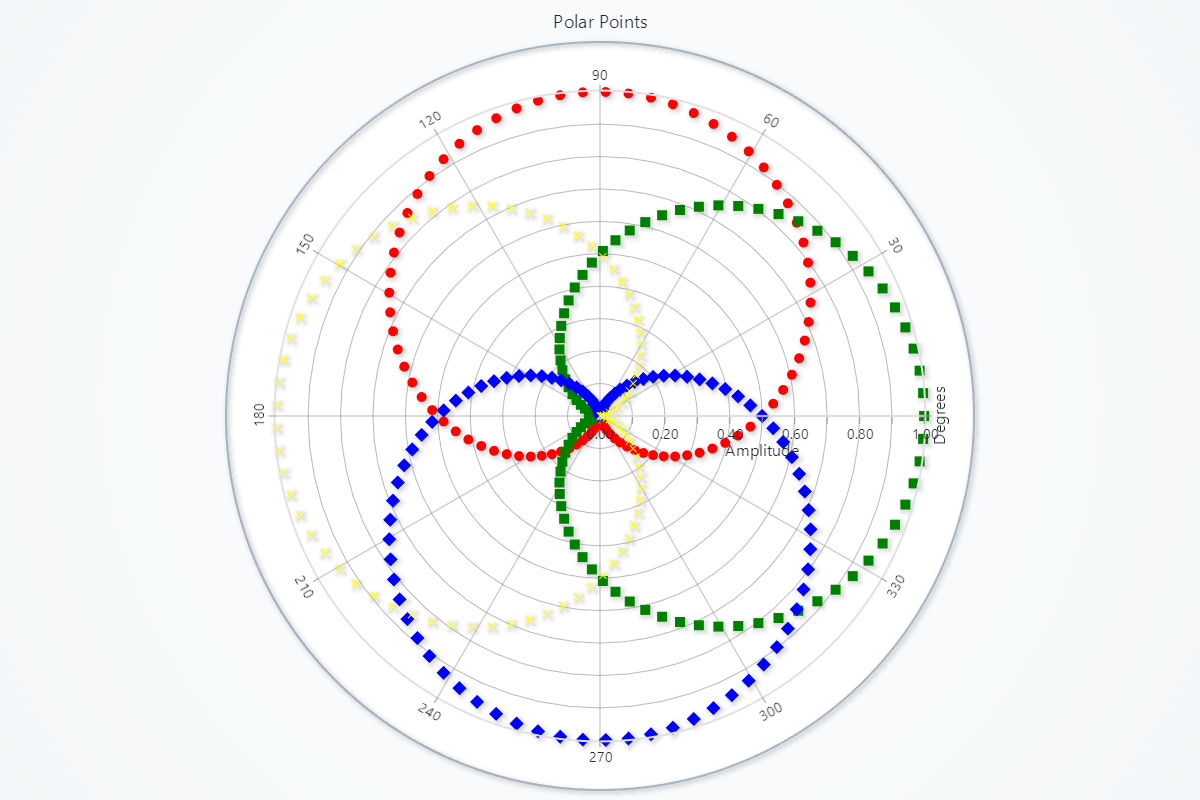
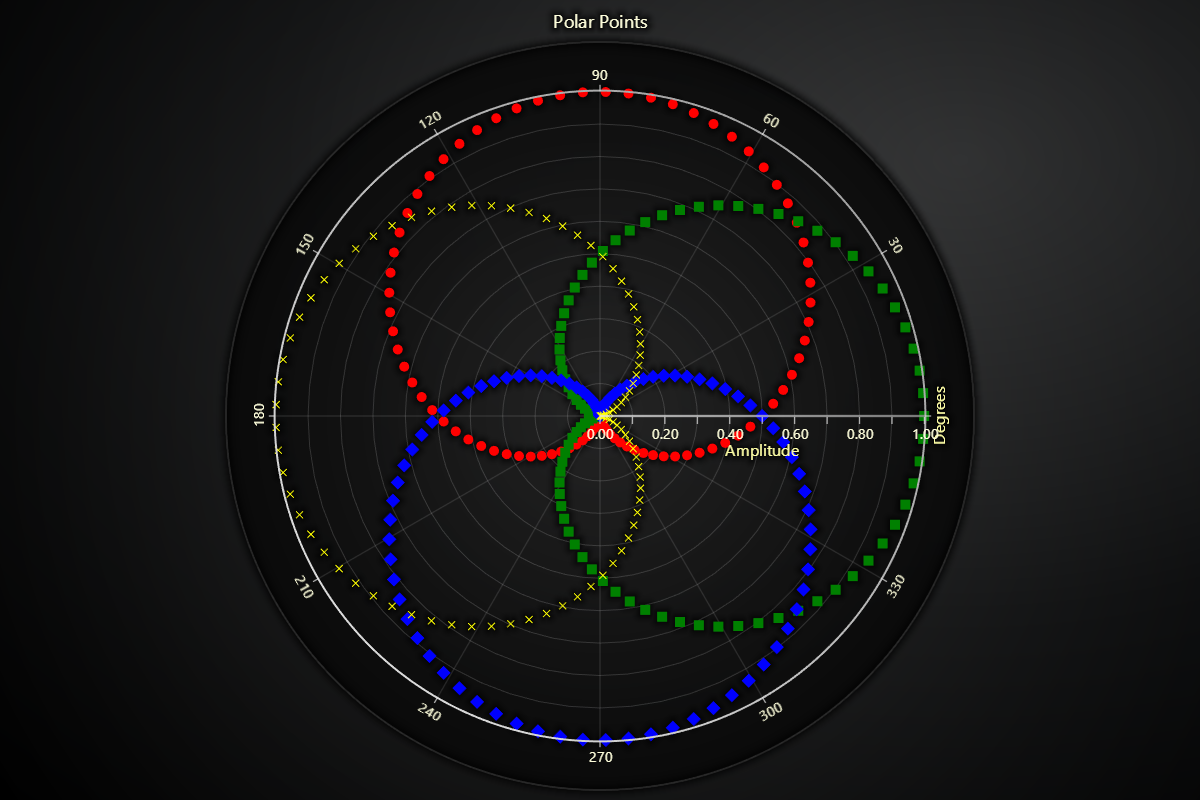
chart = lc.PolarChart(theme=lc.Themes.Light, title="Polar Point")
angles = np.linspace(0, 360, 90)
petal_1 = chart.add_point_series()
petal_2 = chart.add_point_series()
petal_3 = chart.add_point_series()
petal_4 = chart.add_point_series()
data_petal_1 = [{'angle': i, 'amplitude': 0.5 * (1 + np.sin(np.radians(i)))} for i in angles]
data_petal_2 = [{'angle': i, 'amplitude': 0.5 * (1 + np.sin(np.radians(i + 90)))} for i in angles]
data_petal_3 = [{'angle': i, 'amplitude': 0.5 * (1 + np.sin(np.radians(i + 180)))} for i in angles]
data_petal_4 = [{'angle': i, 'amplitude': 0.5 * (1 + np.sin(np.radians(i + 270)))} for i in angles]
petal_1.set_data(data_petal_1)
petal_2.set_data(data_petal_2)
petal_3.set_data(data_petal_3)
petal_4.set_data(data_petal_4)
petal_1.set_point_shape('circle').set_point_size(10).set_point_color(color=('red'))
petal_2.set_point_shape('square').set_point_size(10).set_point_color(color=('green'))
petal_3.set_point_shape('diamond').set_point_size(10).set_point_color(color=('blue'))
petal_4.set_point_shape('cross').set_point_size(10).set_point_color(color=('yellow'))
chart.open()