import lightningchart as lc
lc.set_license('my-license-key')
chart = lc.PolarChart(
theme=lc.Themes.Light,
title="Polar Sector",
legend={
'title': 'Legend',
'position': 'RightCenter'
}
)
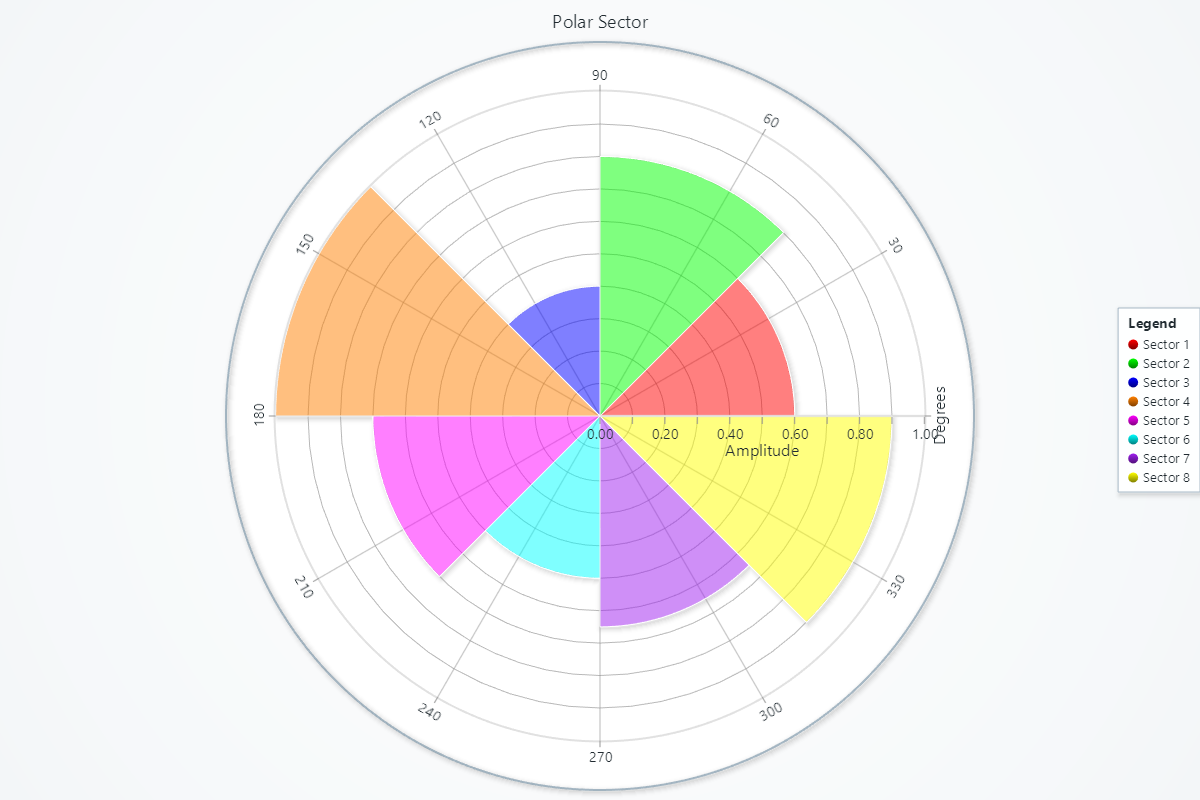
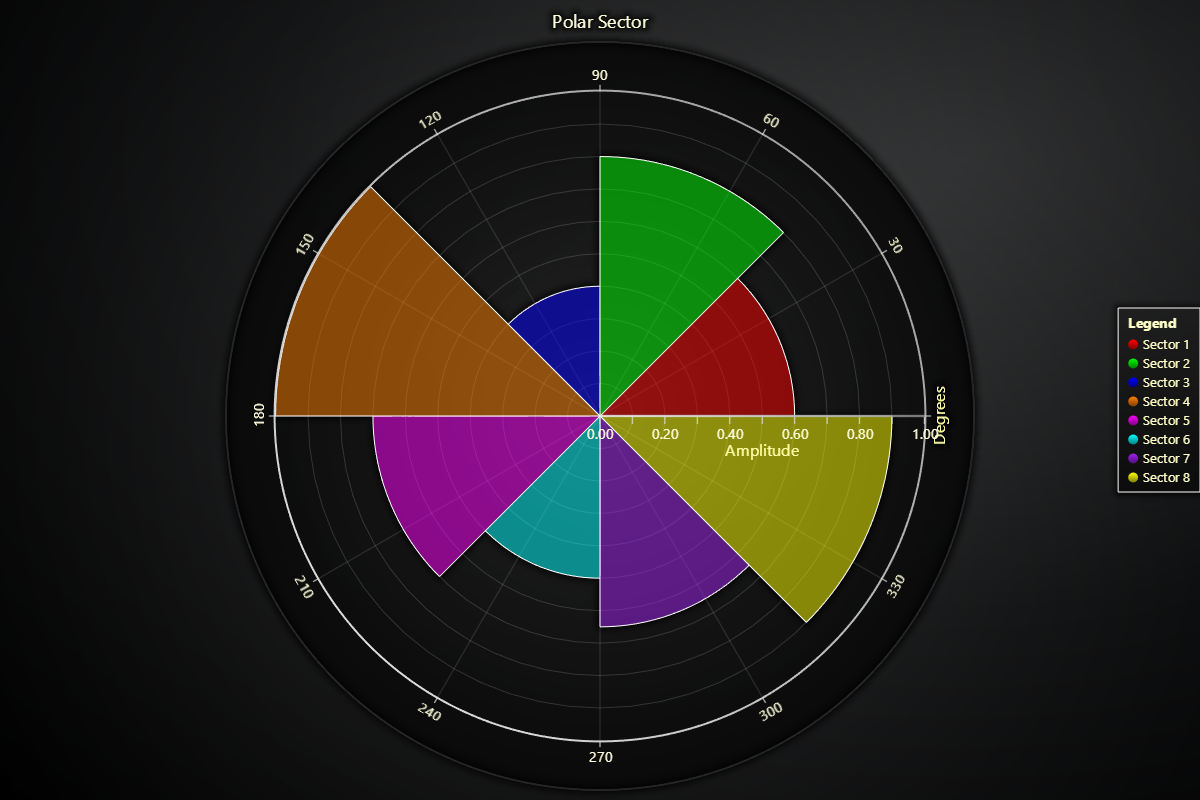
sectors_data = [
(0, 45, 0, 0.6, (255, 0, 0, 128)),
(45, 90, 0, 0.8, (0, 255, 0, 128)),
(90, 135, 0, 0.4, (0, 0, 255, 128)),
(135, 180, 0, 1.0, (255, 128, 0, 128)),
(180, 225, 0, 0.7, (255, 0, 255, 128)),
(225, 270, 0, 0.5, (0, 255, 255, 128)),
(270, 315, 0, 0.65, (160, 32, 240, 128)),
(315, 360, 0, 0.9, (255, 255, 0, 128))
]
for i, (angle_start, angle_end, amp_start, amp_end, color) in enumerate(sectors_data):
sector = chart.add_sector()
sector.set_name(f'Sector {i+1}')
sector.set_amplitude_start(amp_start)
sector.set_amplitude_end(amp_end)
sector.set_angle_start(angle_start)
sector.set_angle_end(angle_end)
sector.set_color(color=color)
sector.set_stroke(color=('white'), thickness=1)
chart.open()