Adding drawing tools
Drawing tools can be drawn to the chart via user interface, or in code.
Drawing via user interface
The easiest way to add drawing tools is to select them from the user interface and then draw then directly to the chart. The chart user interface includes Drawing Tools button within the various settings buttons in the toolbar. Clicking this opens all available drawing tools divided in several categories based on the characteristics of the tool. Clicking a category shows a list of all drawing tools it contains. Then, click the tool icon to initiate drawing.
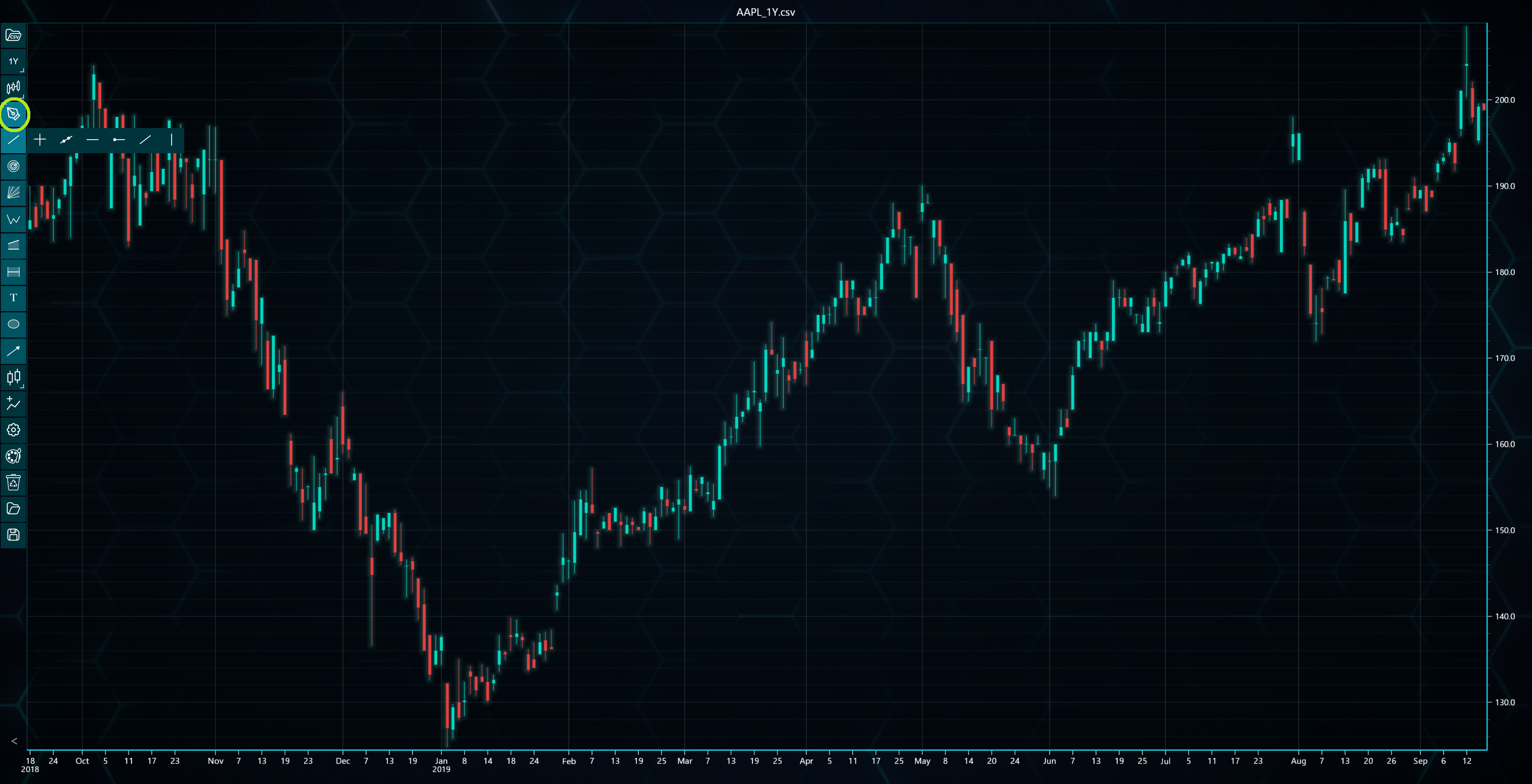
After the drawing tools has been selected, left-clicking a location on the chart adds the tool to that position. If the drawing tool has several control points, for instance at the start and the end of a Trend Line or at wave peaks, you will need to click the chart several times. Right-clicking during the drawing phase cancels adding the drawing tool.
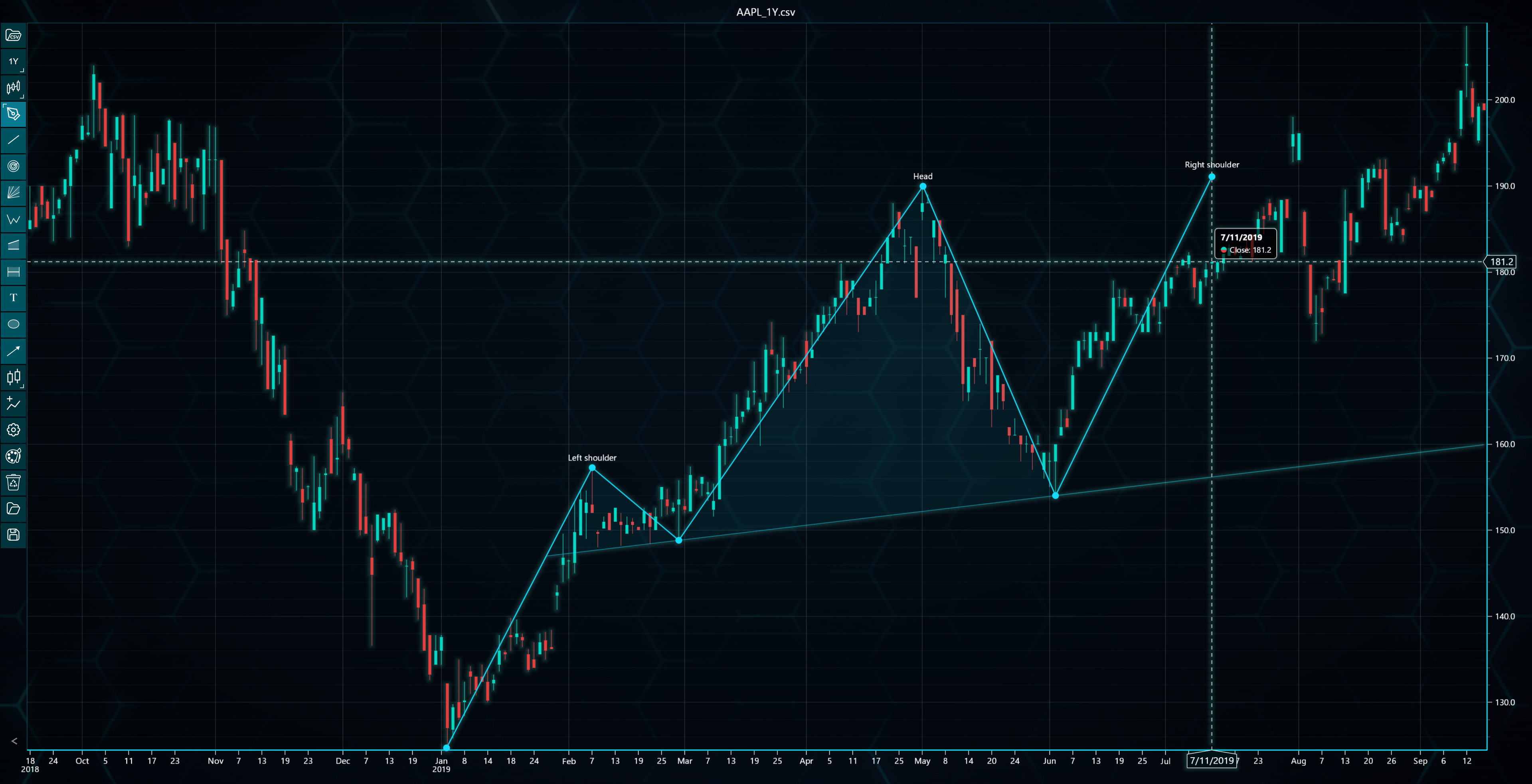
Drawing tools are not automatically updated when the loaded dataset changes, unless their Magnetic property has been enabled, in which case the Y-values of the controls points depend on the data values.
Adding drawing tools in code
Drawing tools can also be added in code, though it is recommended to add them via user interface. This can be done by calling respective add...() method found under chart.drawingTools() method. You will need to give the method the X- and Y-position values of each of the drawing tool's control points.
// Adding a Trend Line in code with start X-, start Y-, end X-, and end Y-values.
tradingChart.indicators().addTrendLine(10, 30, 40, 20)
The X-values given are indexed, meaning that the first data point of the dataset has X-value of 0, the second one has 1 etc. Therefore, in the above example, the added Trend Line starts at tenth data point and ends at 40th data point.
It should be noted that adding drawing tools in code does not take local storage into account. This means that if loading from / saving to storage is enabled, the chart loads drawing tools both from local storage and from code, leading to a situation where the chart could have duplicate tools.