Removing indicators
Technical indicators can be removed from the chart via user interface, or in code.
Removing indicators via user interface
Indicators can be removed by clicking the Remove indicator button, that is located either in the top-left corner of the indicator's segment for study indicators (indicators appearing below the price chart), or for overlays (indicators rendered on top of the price data) in the indicator settings menu found in the top-left corner of the main chart.
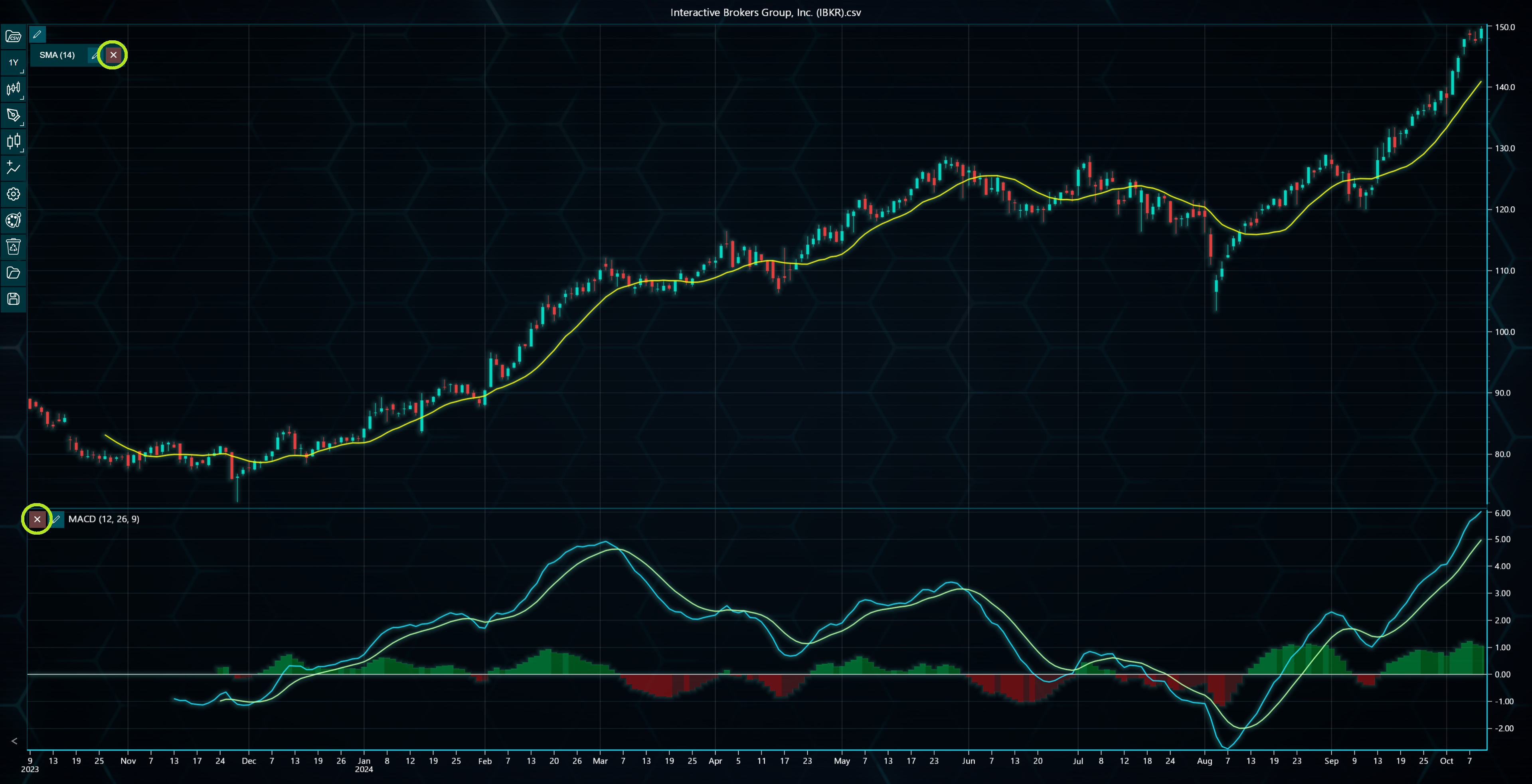
Amongst the buttons in the toolbar, there is also Clear contents button. Clicking this opens various clearing options including a button to remove all added indicators from the chart.
Removing indicators in code
Removing technical indicators in code can be done by calling dispose() method for the indicator. The indicator must be saved as a variable beforehand.
// Assign indicator as a variable.
const sma = tradingChart.indicators().addSimpleMovingAverage()

// Then later remove it.
sma.dispose()
You can also remove all indicators simultaneously by calling disposeAllIndicators() found under chart.indicators() method.
tradingChart.indicators().disposeAllIndicators()