3D Mesh Model
3D Mesh Model is a series for rendering a 3D object model within a Chart3D.
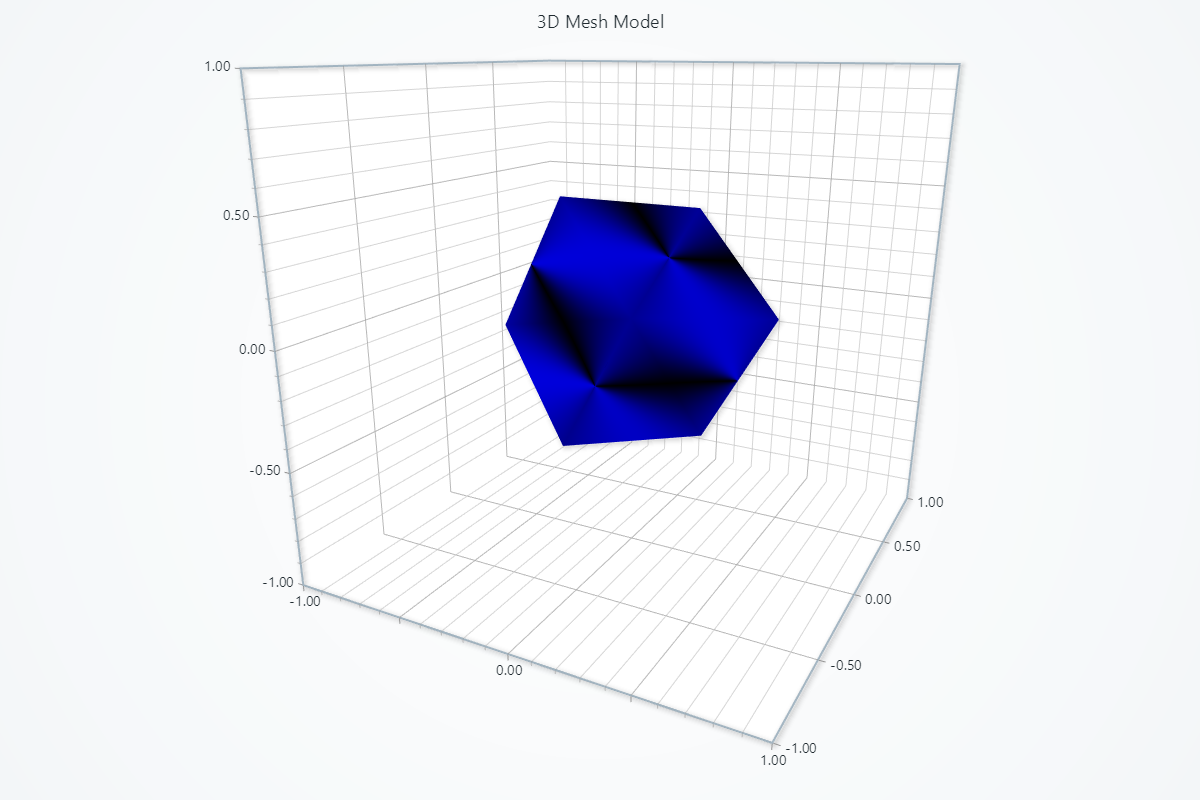
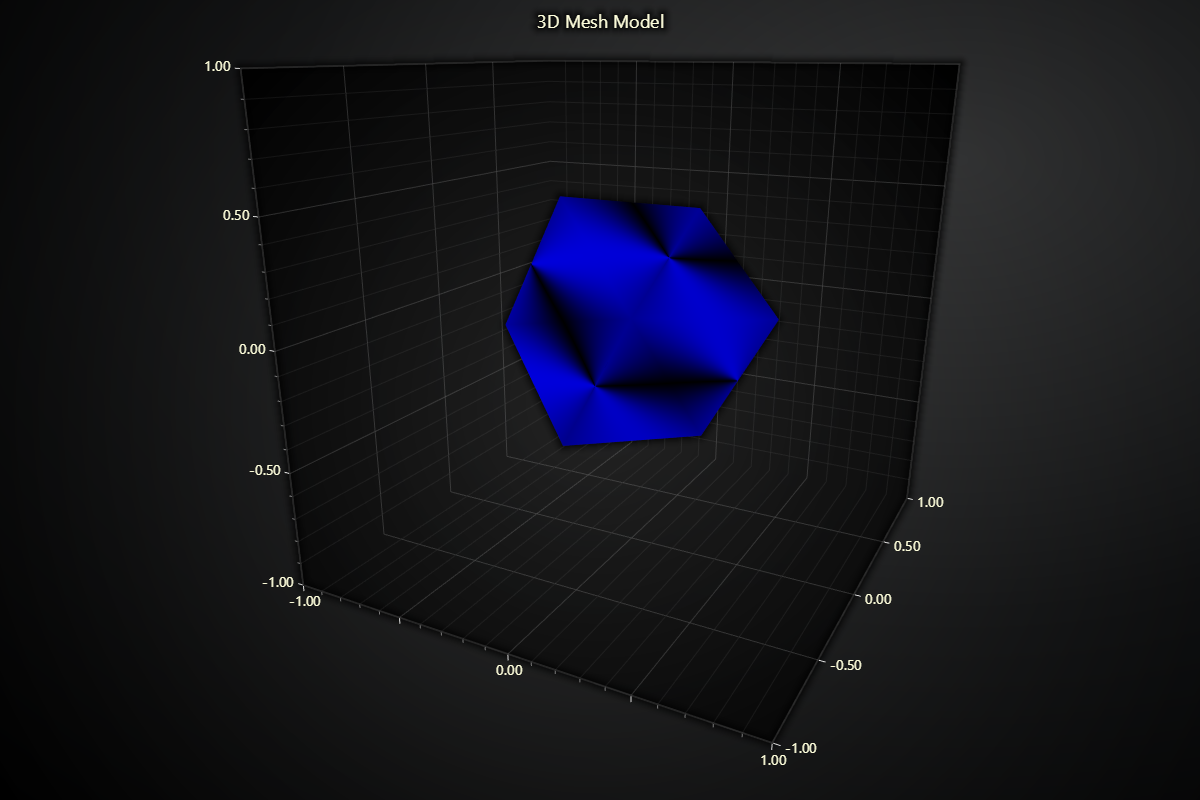
Creating Mesh Model
series = chart.add_mesh_model()
Loading Model Geometry
You must supply your 3D model data yourself (e.g. by parsing an .obj with a library like trimesh). Once you have flat lists of vertices, indices, and optionally normals, load them into LightningChart Python:
# vertices: flat list [x0, y0, z0, x1, y1, z1, …]
# indices: flat list [i0, i1, i2, i3, i4, i5, …]
# normals: flat list [nx0, ny0, nz0, …] (optional)
series.set_model_geometry(
    vertices=balloon_vertices,
    indices=balloon_indices,
    normals=balloon_normals
)
# For loading from an .obj file via trimesh
import trimesh

scene = trimesh.load('model.obj')
mesh  = scene.dump(concatenate=True) if isinstance(scene, trimesh.Scene) else scene
series.set_model_geometry(
    vertices=mesh.vertices.flatten().tolist(),
    indices=mesh.faces.flatten().tolist(),
    normals=mesh.vertex_normals.flatten().tolist(),
)
Model Positioning
Control the position and size of your model in the 3D scene:
# Uniform scale
series.set_scale(0.1)

# Position the model's “origin” at (x, y, z)
series.set_model_location(x=0, y=0, z=0)

# Align which “corner” of the model sits at that origin:
# centered along X and Z axes
series.set_model_alignment(x=0, y=-1, z=0)

# Rotate the model around each axis
series.set_model_rotation(x=0, y=0, z=0)
Model Coloring
Solid Fill Style
Use a single static color:
series.set_color('#ff0000')
Palette Coloring
Dynamically color your mesh by numeric values:
# Define a color lookup table
series.set_palette_coloring(
    steps=[
        {'value': 0.0, 'color': '#00ff00'},
        {'value': 10.0, 'color': '#0000ff'},
    ],
    look_up_property='value',
    interpolate=True,
)

# With formatted legend display:
series.set_palette_coloring(
    steps=[
        {'value': 0, 'color': '#0000FF'},
        {'value': 100, 'color': '#FF0000'},
    ],
    look_up_property='value',
    formatter_precision=2,           # Decimal places
    formatter_unit='mag',             # Unit suffix
    formatter_scale=1.5,              # Scale values
    formatter_type='scientific',      # 'standard', 'compact', 'engineering', 'scientific'
    formatter_operation='floor',      # 'none', 'round', 'ceil', 'floor'
)
Removing Color
# Remove the fill color:
series.set_empty_color_fill()
Setting Vertex Values
Supply per-vertex values for LUT-based coloring:
# Compute values array (one value per vertex)
vertex_values = [random.random() * 10 for _ in vertex_positions]

# Apply values
series.set_vertex_values_from_array(vertex_values)
Shading & Depth Testing
These sections works the same as for 3D Line, to avoid duplication of guides, please refer to the section under line
# Disable depth testing so fully transparent
series.set_depth_test_enabled(False)

# Switch between flat shading and Phong (smooth) shading,
# and tune specular highlight strength & color
series.set_color_shading_style(
    phong_shading=True,
    specular_reflection=0.8,
    specular_color='#ffffff'
)
Highlight on Hover & Animation Highlight
Provide interactive highlighting when the mouse moves over your model:
series.set_highlight_on_hover(True)
series.set_animation_highlight(False)  # for component highlighting
Series Utility Methods
This section works the same as for Line, to avoid duplication of guides, please refer to the section under Line
Legend
Please see common legend section.