Polar Polygon
Series for visualizing a collection of polygons inside the Polar coordinate system. They are especially useful for highlighting parts of the Polar coordinate system.
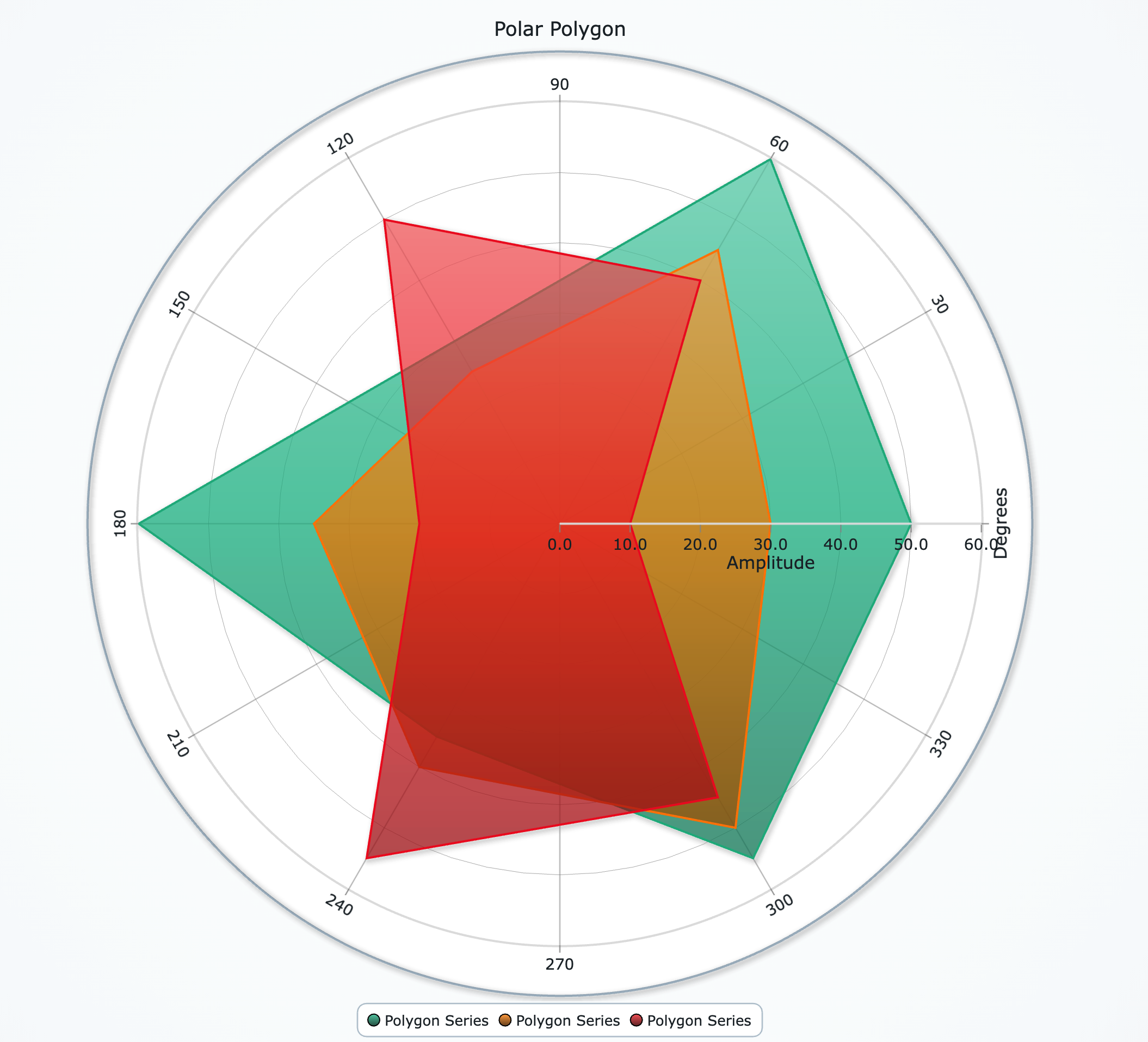
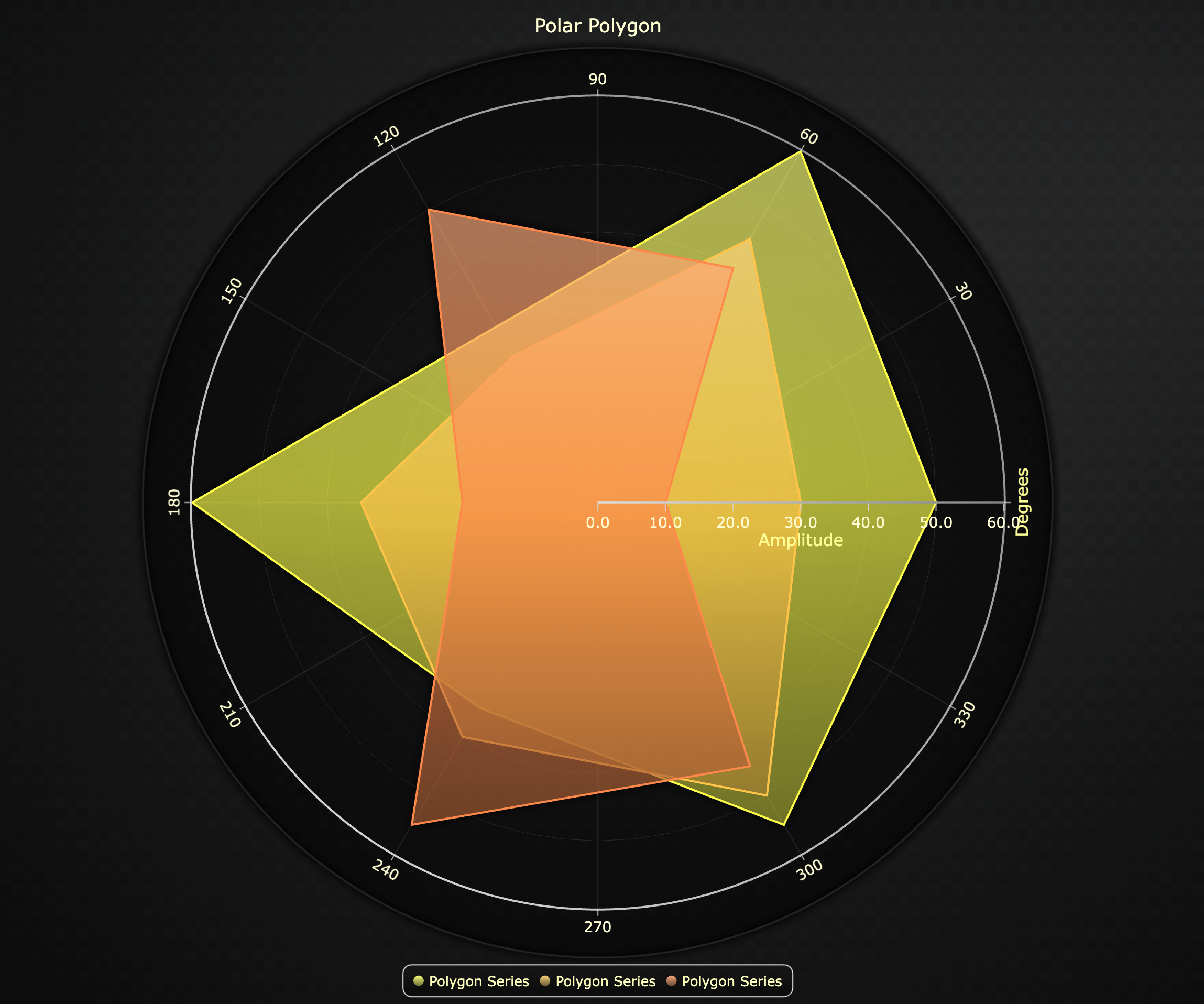
Creating Polar Polygon Series
polygon_series = chart.add_polygon_series()
Series Methods
# Create a new polygon within this series:
polygon = polygon_series.add_polygon()

# Change fill color of *all* polygons in the series:
polygon_series.set_color('#00AAFF')

# Change the outline stroke of *all* polygons:
polygon_series.set_stroke(thickness=2, color='black')
Add Polygon
Once you call add_polygon() you can add a new polygon and use it to define geometry and manage individual polygon visibility:
# Define the shape:
polygon = polygon_series.add_polygon()
polygon.set_geometry([
    {'angle': 0,   'amplitude': 50},
    {'angle': 90,  'amplitude': 80},
    {'angle': 180, 'amplitude': 30},
])
Polygon Utility Methods:
# Hide or show it:
polygon.set_visible(False)

# Remove it completely:
polygon.dispose()
Series Utility Methods
This section works the same as for Line, to avoid duplication of guides, please refer to the section under Line
Legend
Please see common legend section.