Polar Heatmap
Series for visualizing a Polar Heatmap with a static sector and annuli count. Has API for fast modification of cell values.
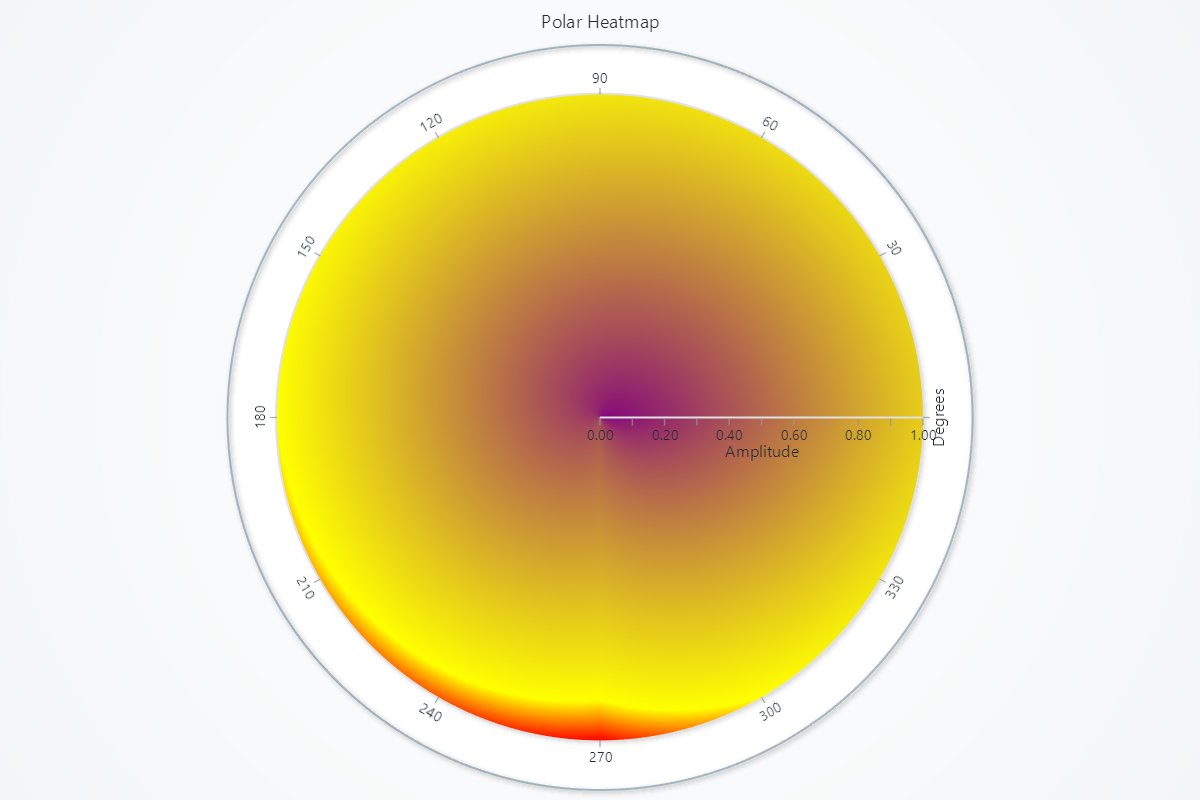
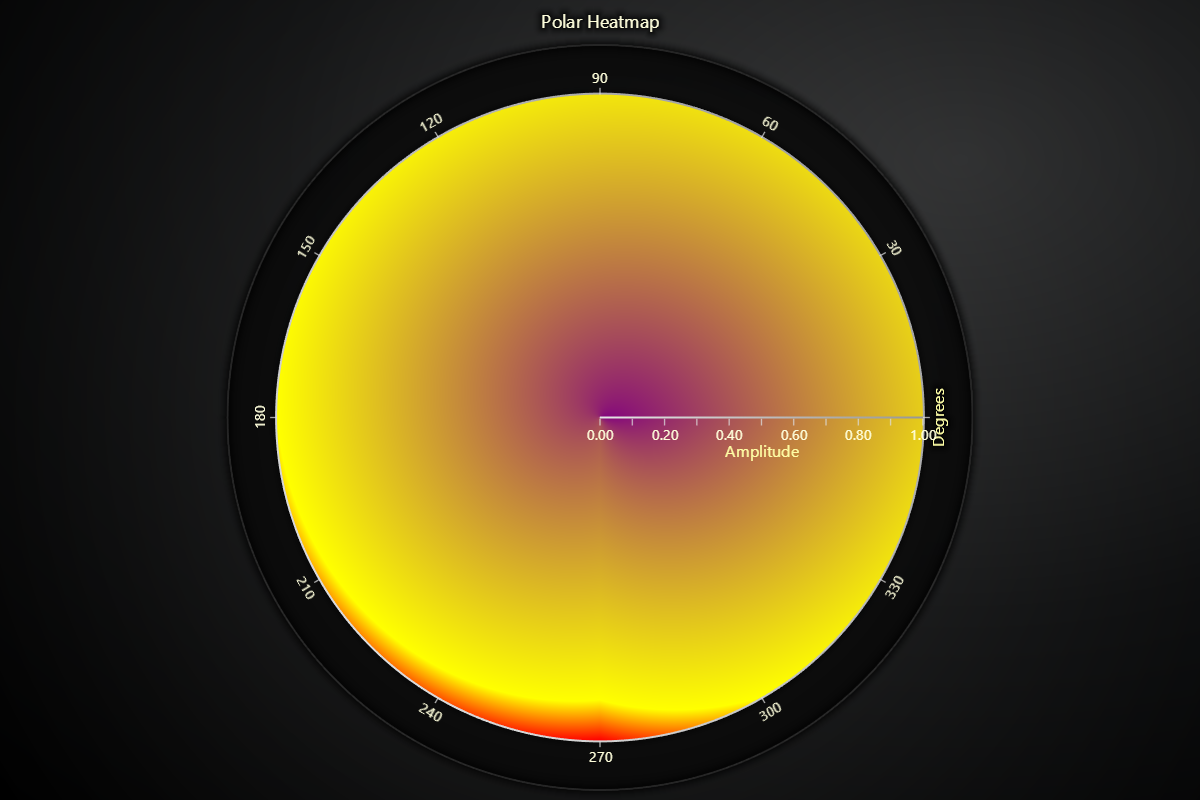
Creating Polar Heatmap Series
series = chart.add_heatmap_series(sectors=4, annuli=3)
Intensity interpolation
# Enable smooth intensity interpolation:
series.set_intensity_interpolation(True)
Invalidate Values
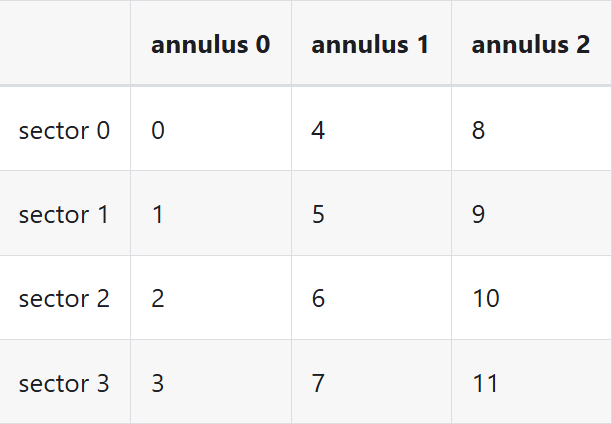
Polar heatmap series also supports modifying only a subset of the entire data array. Heatmaps consume data as uniform number matrixes. You can imagine this as a table of numbers:
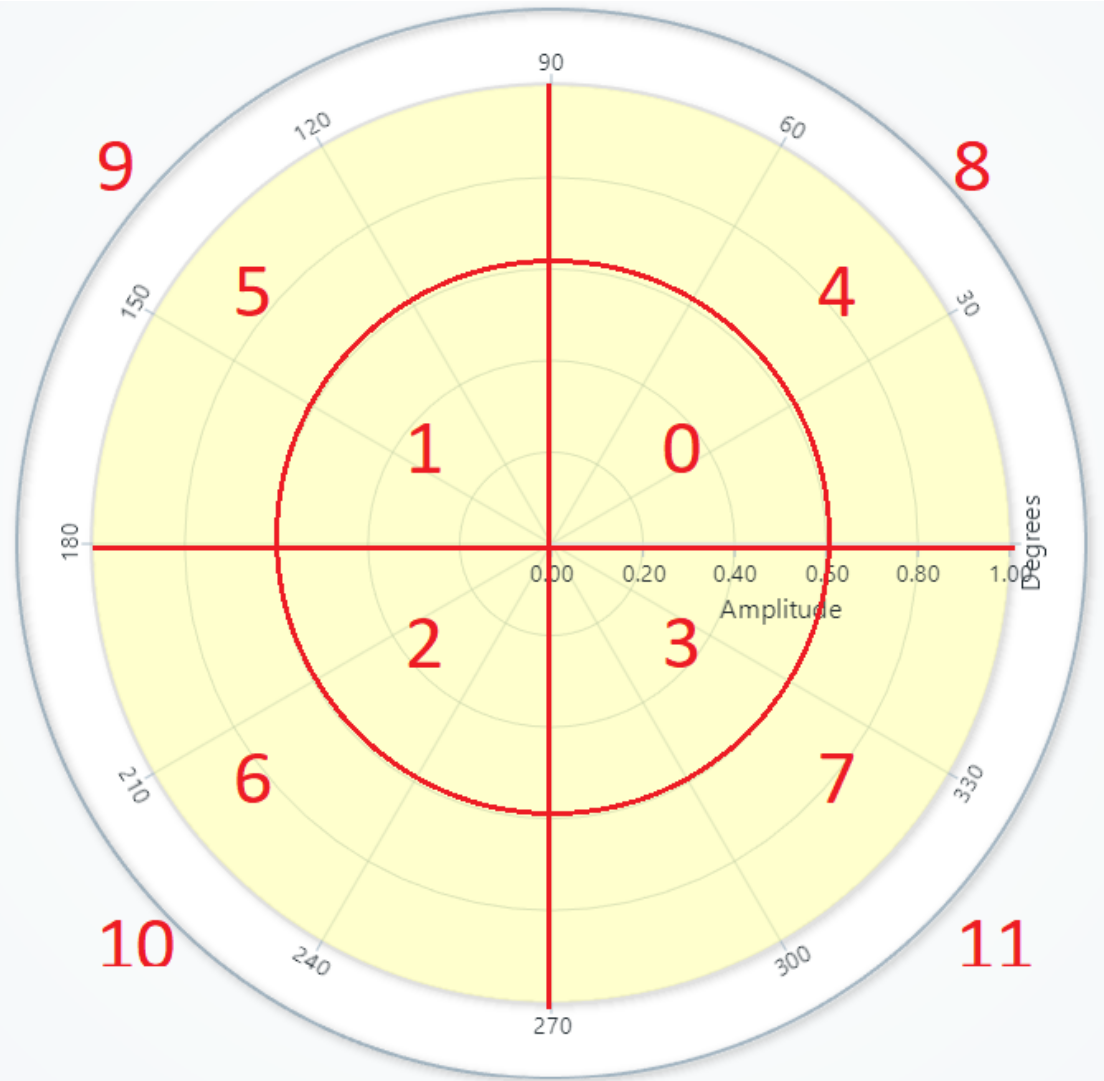
# Update a block of cells starting at annulus 1, sector 2:
values = [
    [0, 1, 2, 3],
    [4, 5, 6, 7],
    [8, 9, 10, 11],
]
series.invalidate_intensity_values(
    values=values,
    i_annulus=1,
    i_sector=2
)
"uniform" means that the amplitude and radial step between each measurement is always the same.
Fill Coloring
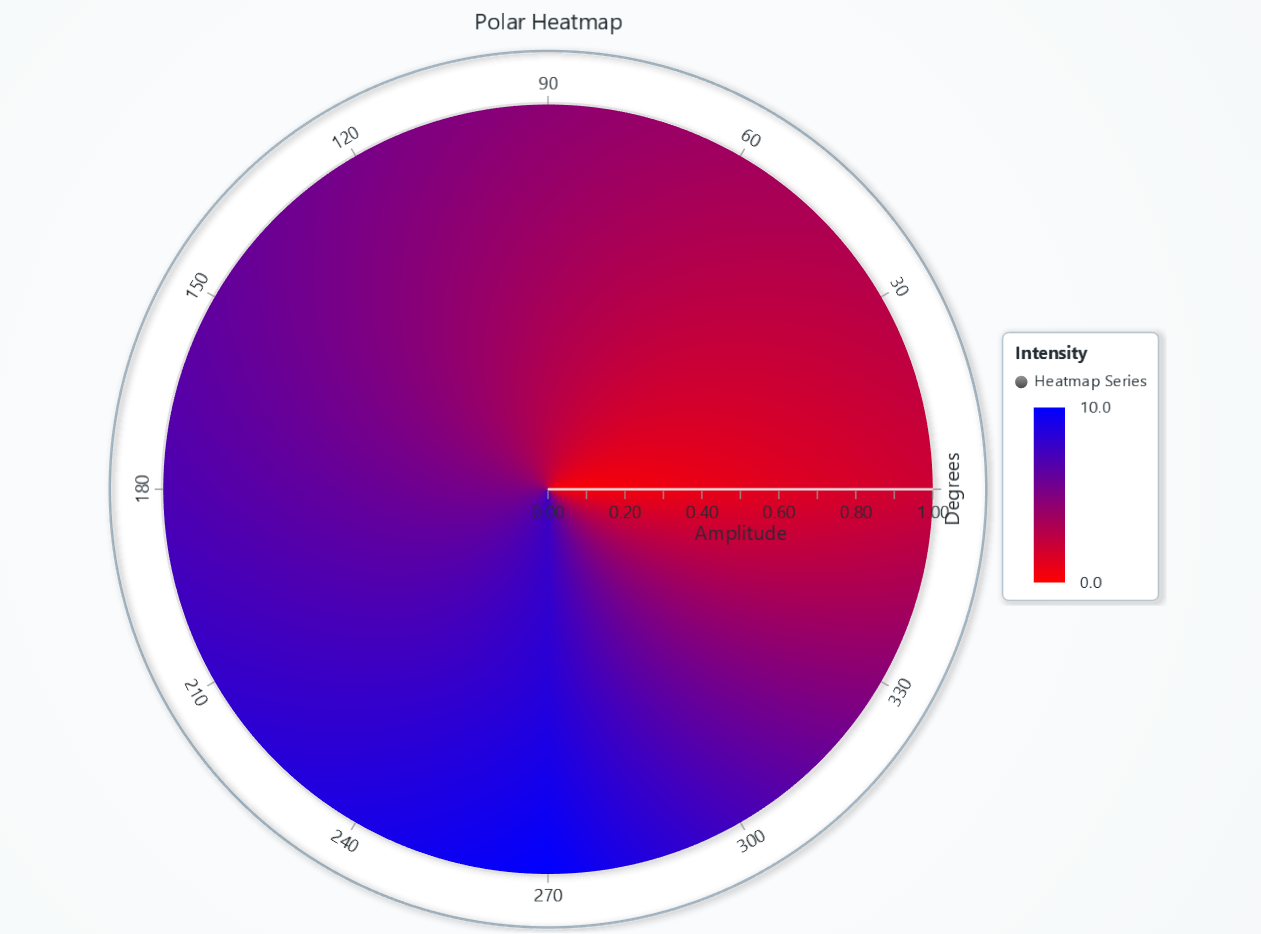
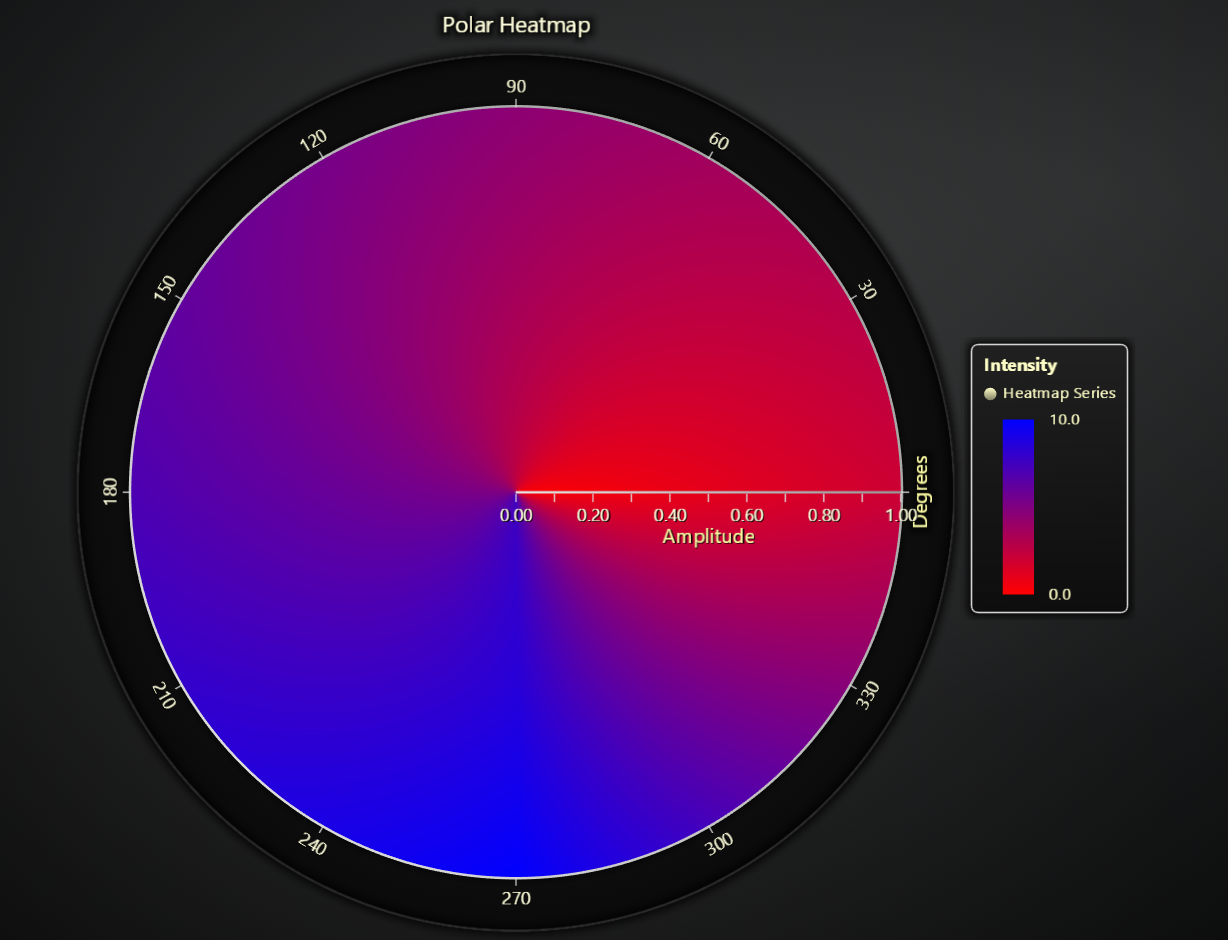
# Solid color fill:
series.set_color('#FF0000')

# Remove any fill style:
series.set_empty_color_fill()

values = [
    [0, 2.5, 5.0, 7.5],
    [1, 3.5, 6.0, 8.5],
    [2, 4.5, 7.0, 10.0],
]
series.invalidate_intensity_values(values)

# Define a red→blue LUT (lookup table) for the fill
series.set_palette_coloring(
    steps=[
        {'value': 0, 'color': 'red'},
        {'value': 10, 'color': 'blue'},
    ],
    look_up_property='value',
    interpolate=True,
)

# With formatted legend display:
series.set_palette_coloring(
    steps=[
        {'value': 0, 'color': '#0000FF'},
        {'value': 100, 'color': '#FF0000'},
    ],
    look_up_property='value',
    formatter_precision=2,           # Decimal places
    formatter_unit='mag',             # Unit suffix
    formatter_scale=1.5,              # Scale values
    formatter_type='scientific',      # 'standard', 'compact', 'engineering', 'scientific'
    formatter_operation='floor',      # 'none', 'round', 'ceil', 'floor'
)
Series Utility Methods
# Enable or disable theme-based effects on hover, etc.
series.set_effect(True)

# Include this series when axes auto-scroll or auto-fit:
series.set_auto_scrolling_enabled(True)

# Highlight sector under pointer on hover:
series.set_highlight_on_hover(True)
Legend
Please see common legend section.